
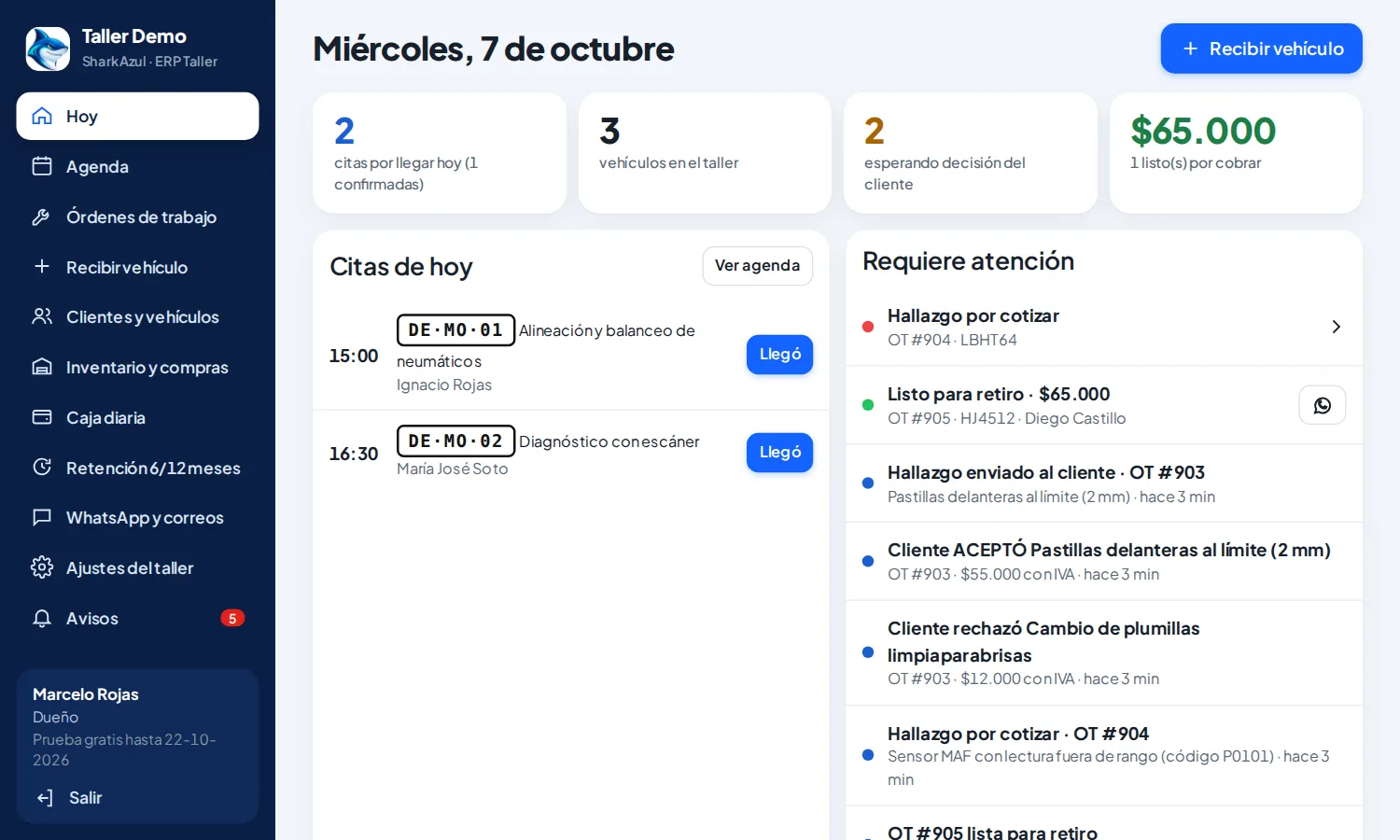
Today board
Cars in the shop, ready for pick-up and pending payment at a glance.
SharkAzul has three products, each for a different kind of business. Pick the one that matches yours and we will show you how it works.
Online booking, check-in with photos, digital inspection, WhatsApp updates, online payment and tax receipts.
15-day free trialSee how it works ↓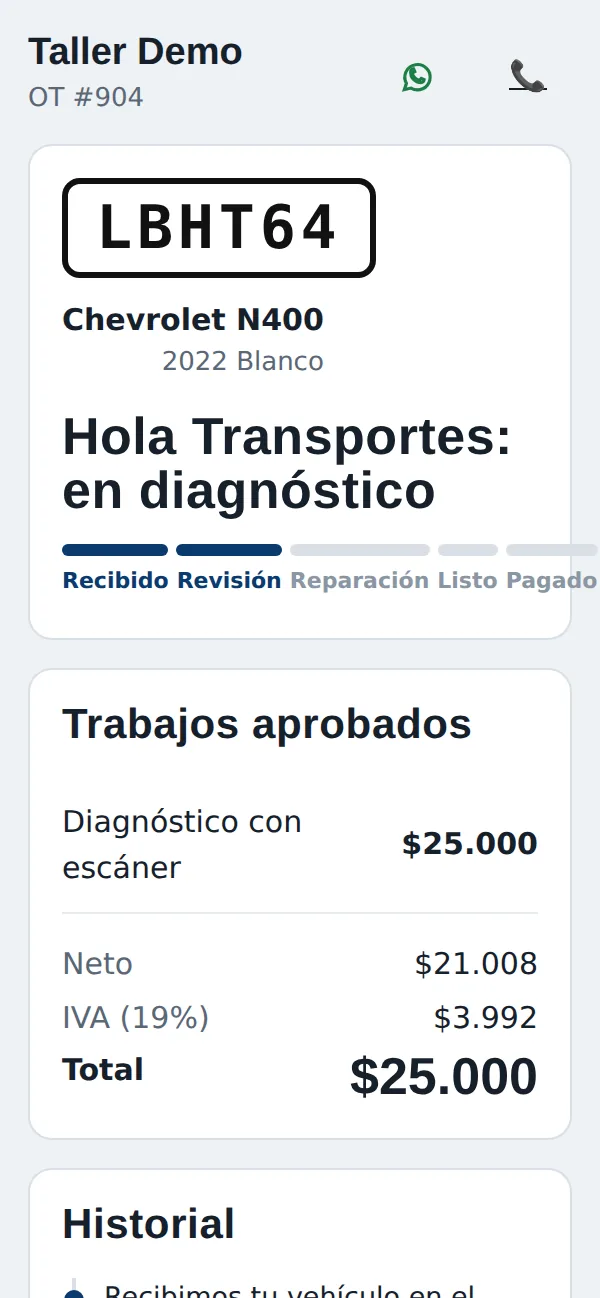
Assets with QR codes, work orders, preventive plans, offline field technicians, signed reports and a customer portal.
Guided demoSee how it works ↓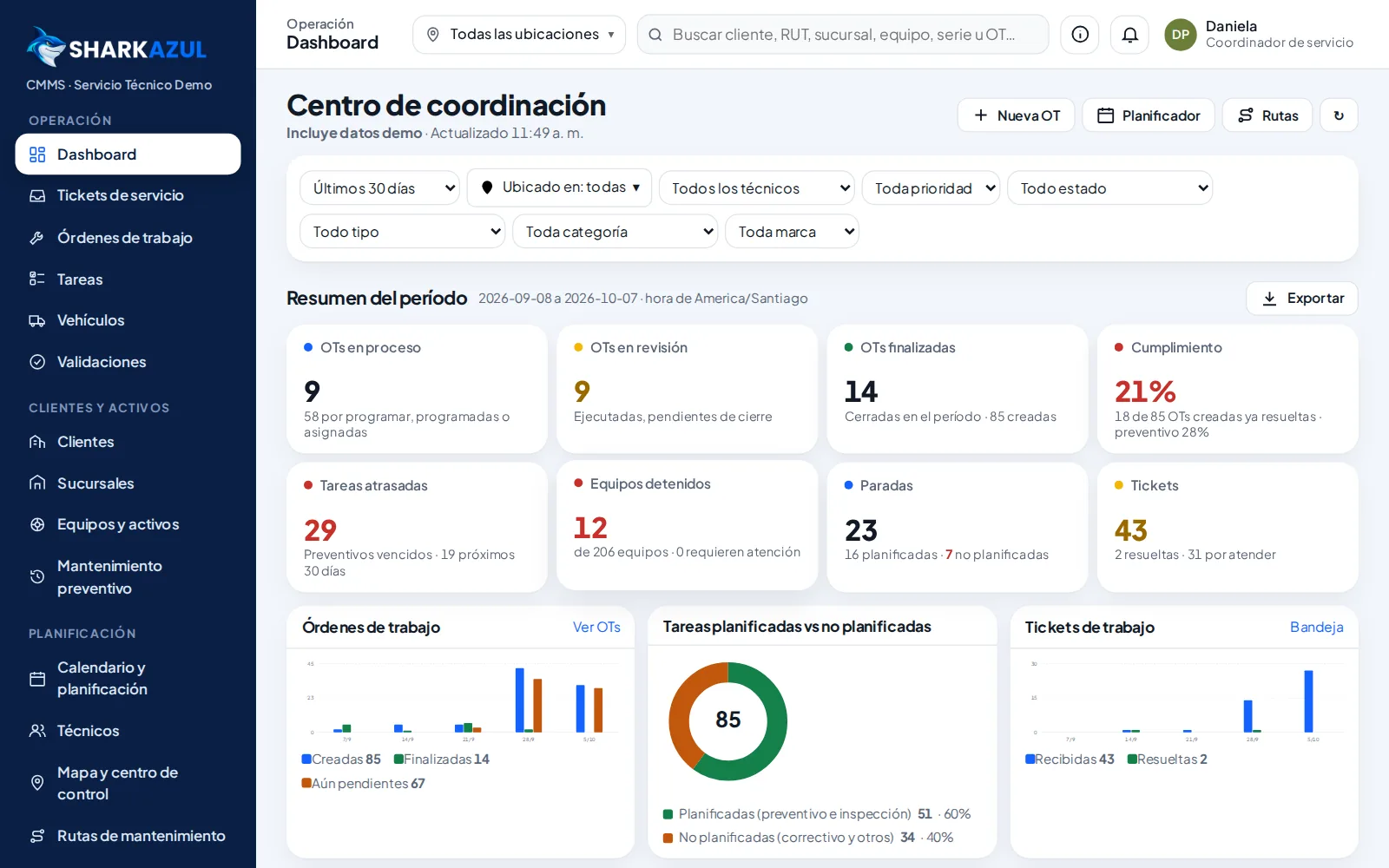
Companies, contacts, sales pipelines, quotes, tickets, WhatsApp, reports by rep and email marketing.
We migrate from your current CRMSee how it works ↓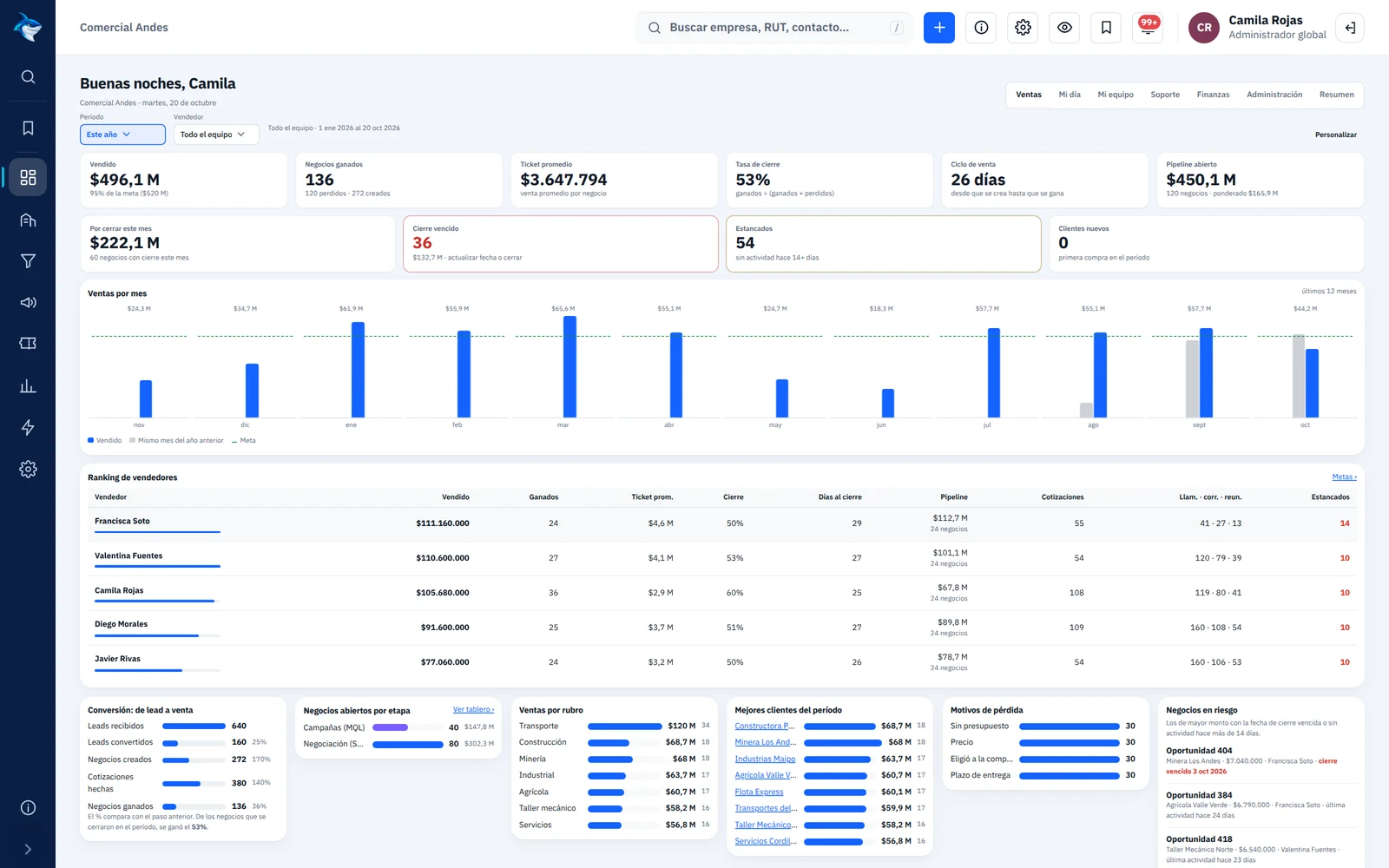
This is how a car moves through your shop with SharkAzul: the customer books, follows the car from their phone, approves the work and pays online.
Schedule, check-in with photos and work orders in one place.

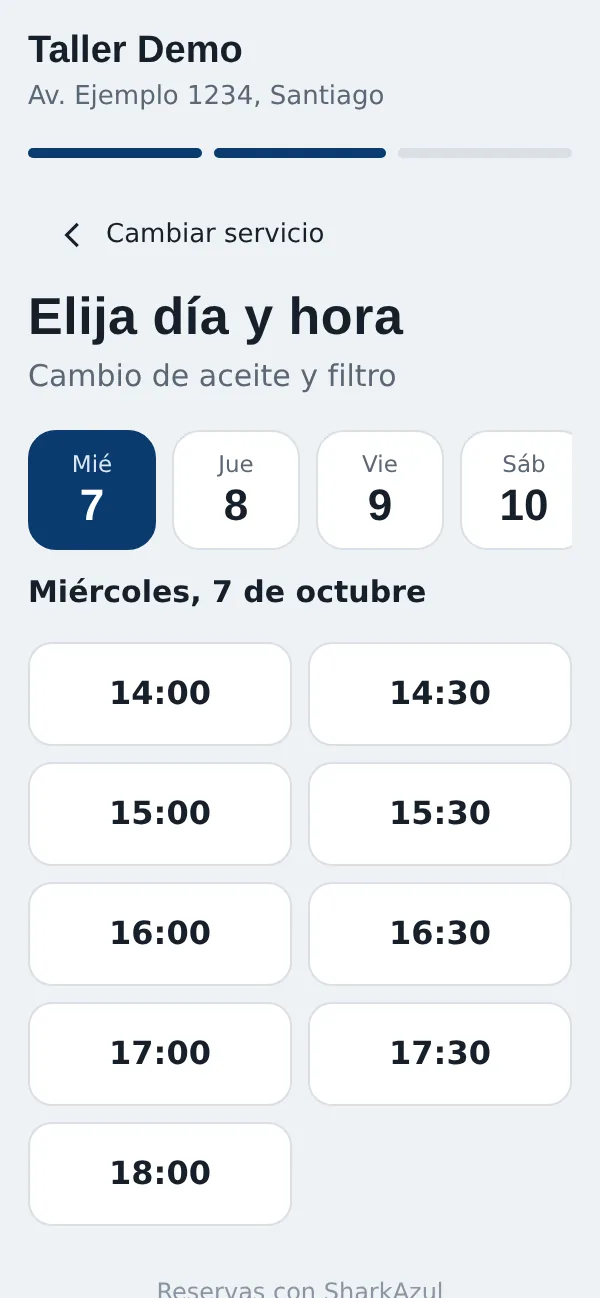
Customers pick service, day and time from your link. The calendar respects how many cars you can receive per slot.
At check-in they get a WhatsApp with photos, status and recommended services to accept or decline with one tap.
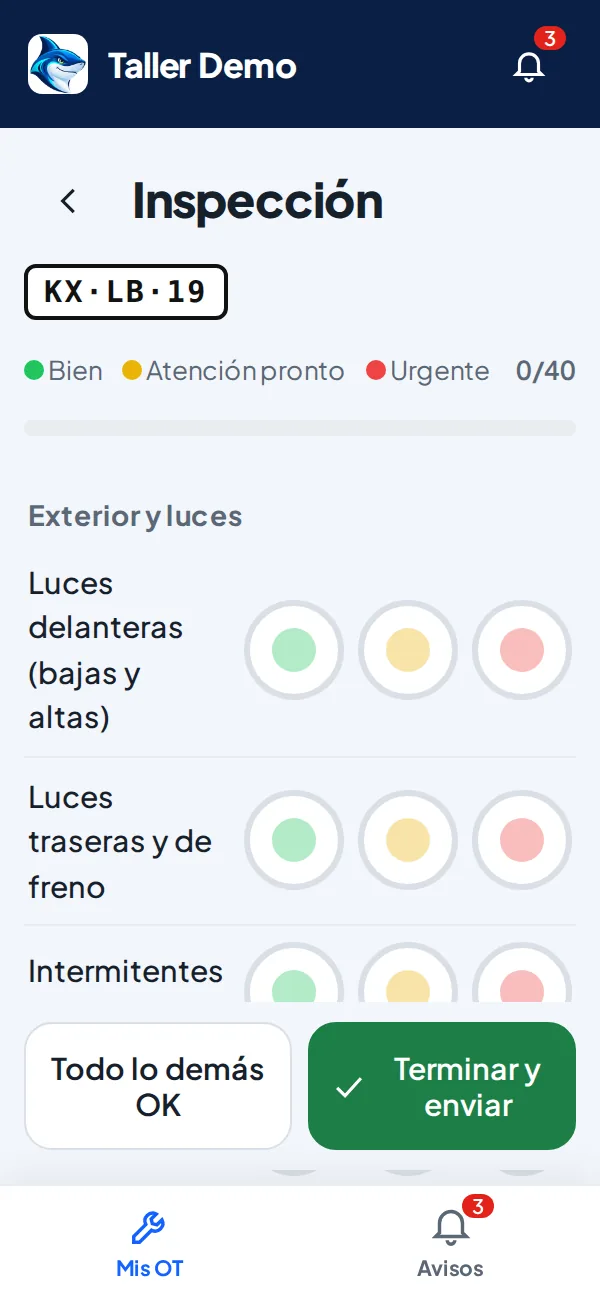
Mechanics mark green, yellow or red one-handed. Urgent items reach the customer with a photo and price.
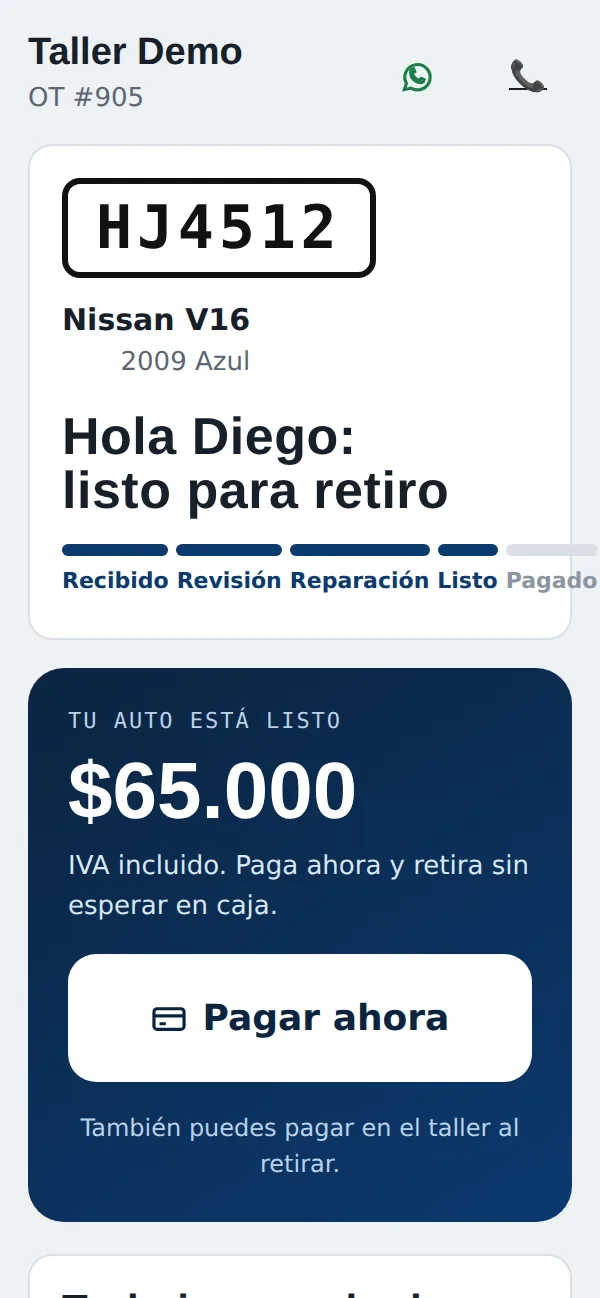
When it is ready, the customer pays online, gets the invoice and the shop manager is notified to hand over the car.
Cars in the shop, ready for pick-up and pending payment at a glance.
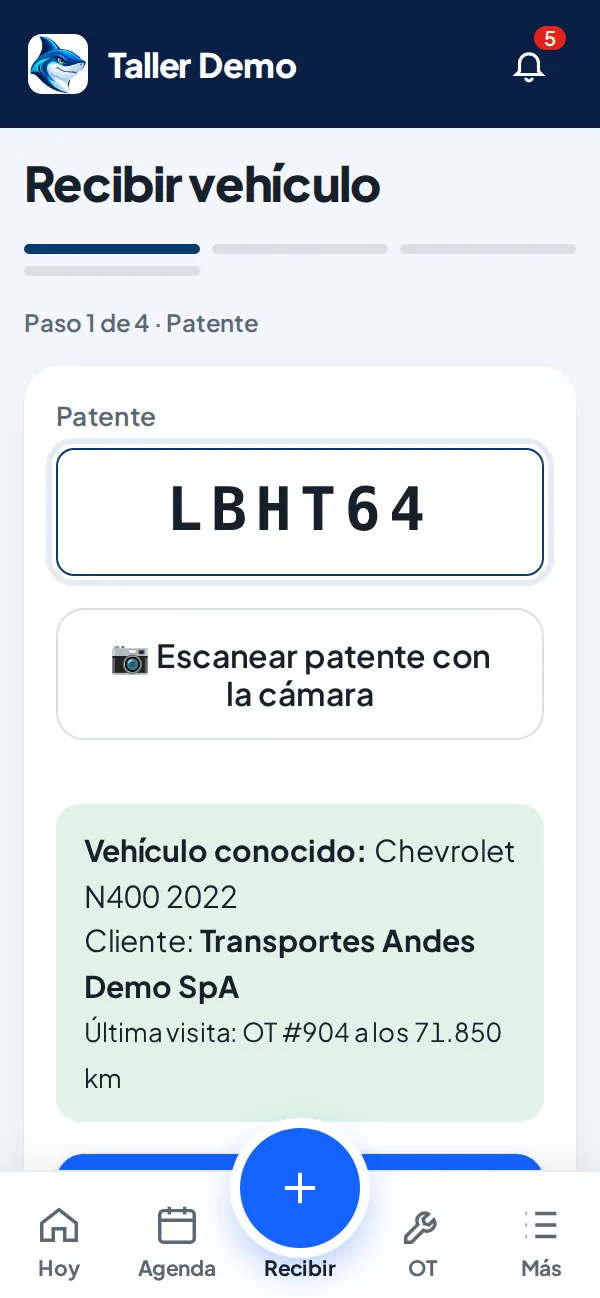
Mileage, fuel and damage recorded on arrival.
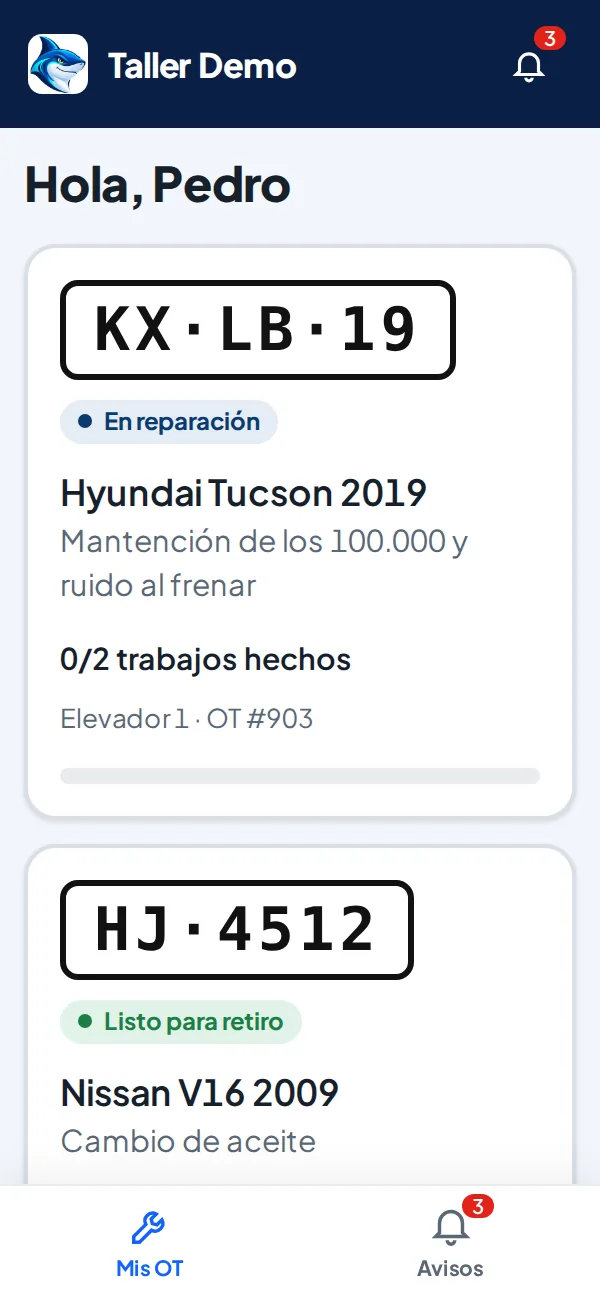
Jobs, times and parts on the phone.
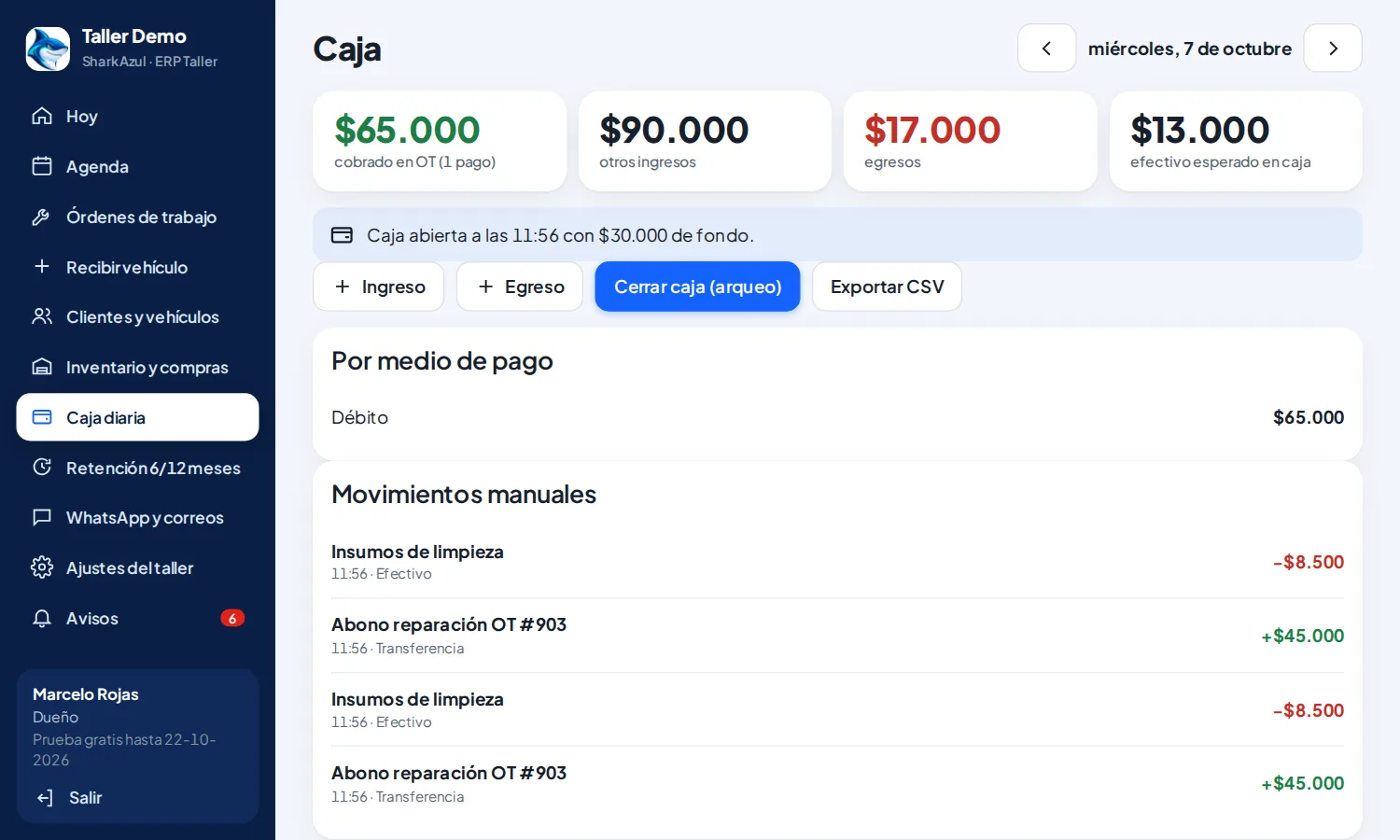
Card, transfer and electronic receipt.
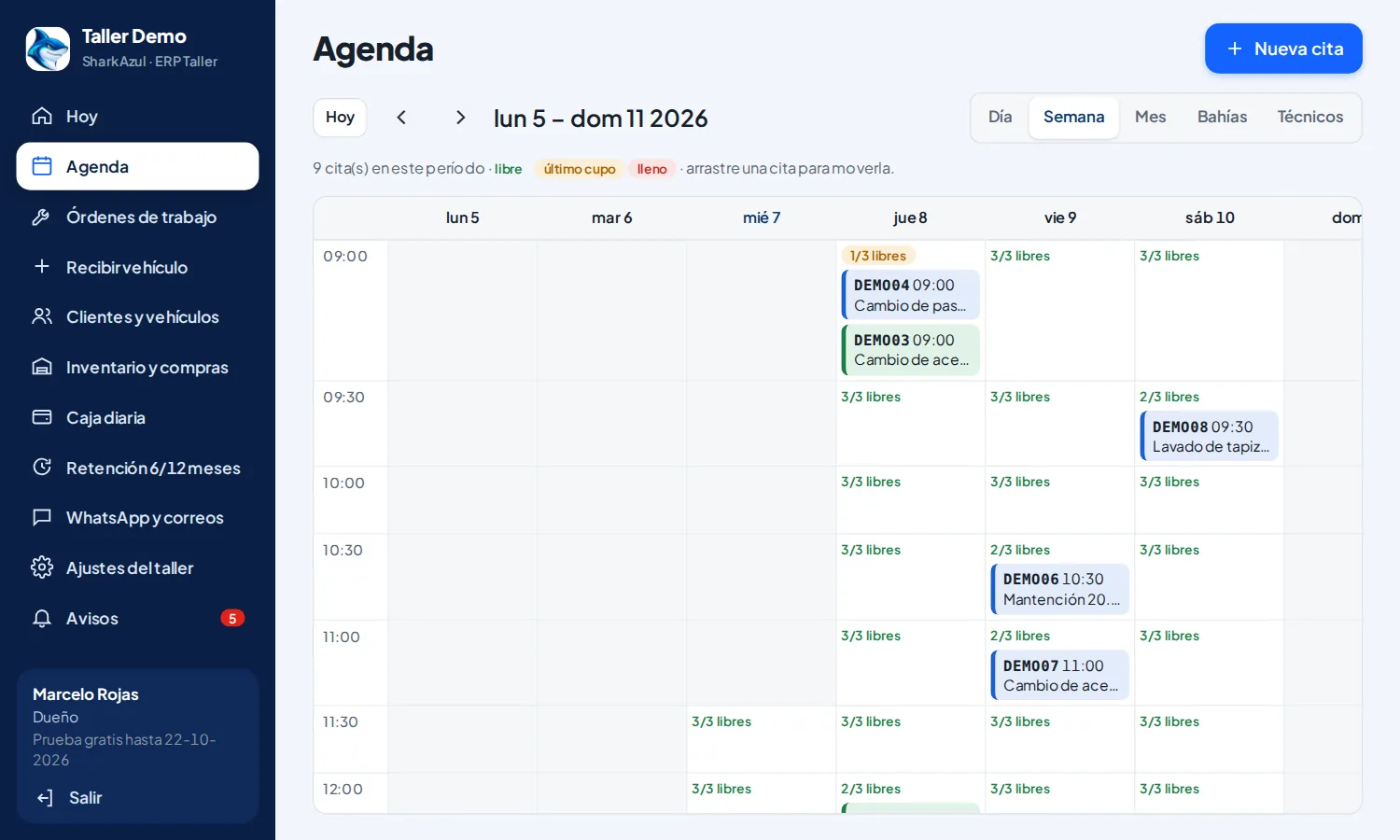
How many cars per hour, no overbooking.
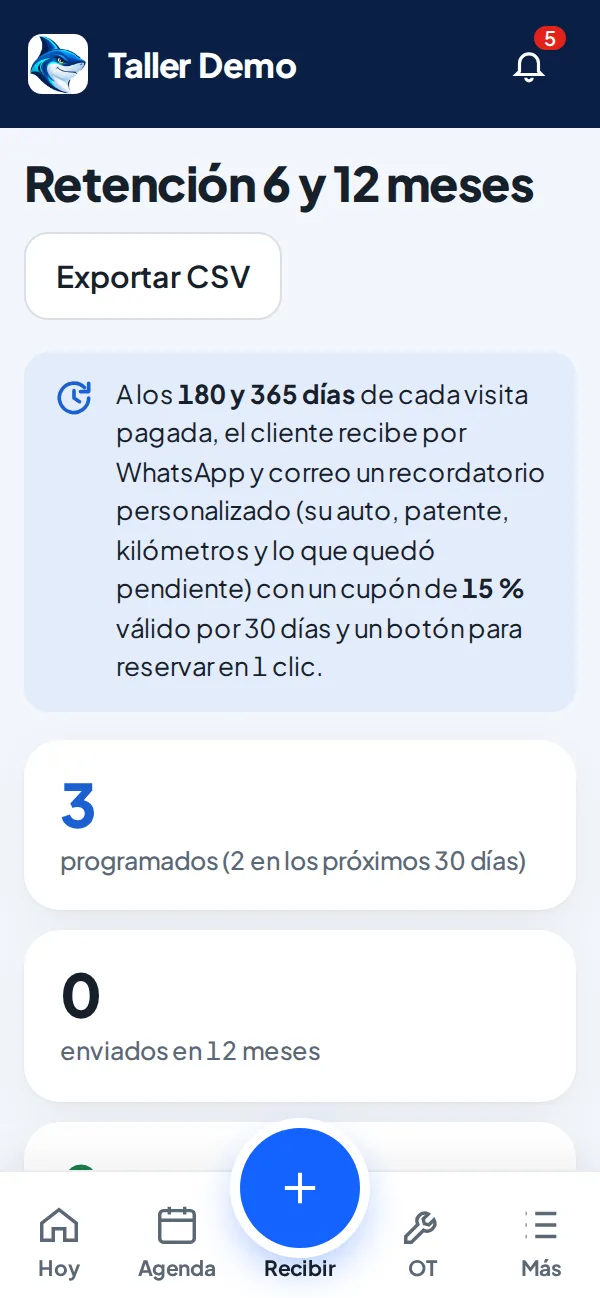
Automatic reminders at 6 and 12 months.
Mechanics inspect 40 points from their phone. Customers see the photos and approve online.
For companies with equipment to maintain, their own or their customers’: mining, fleets, refrigeration, food industry, clinics, buildings, energy and agriculture. Every asset with a QR code, every job with a work order, signed report and history.
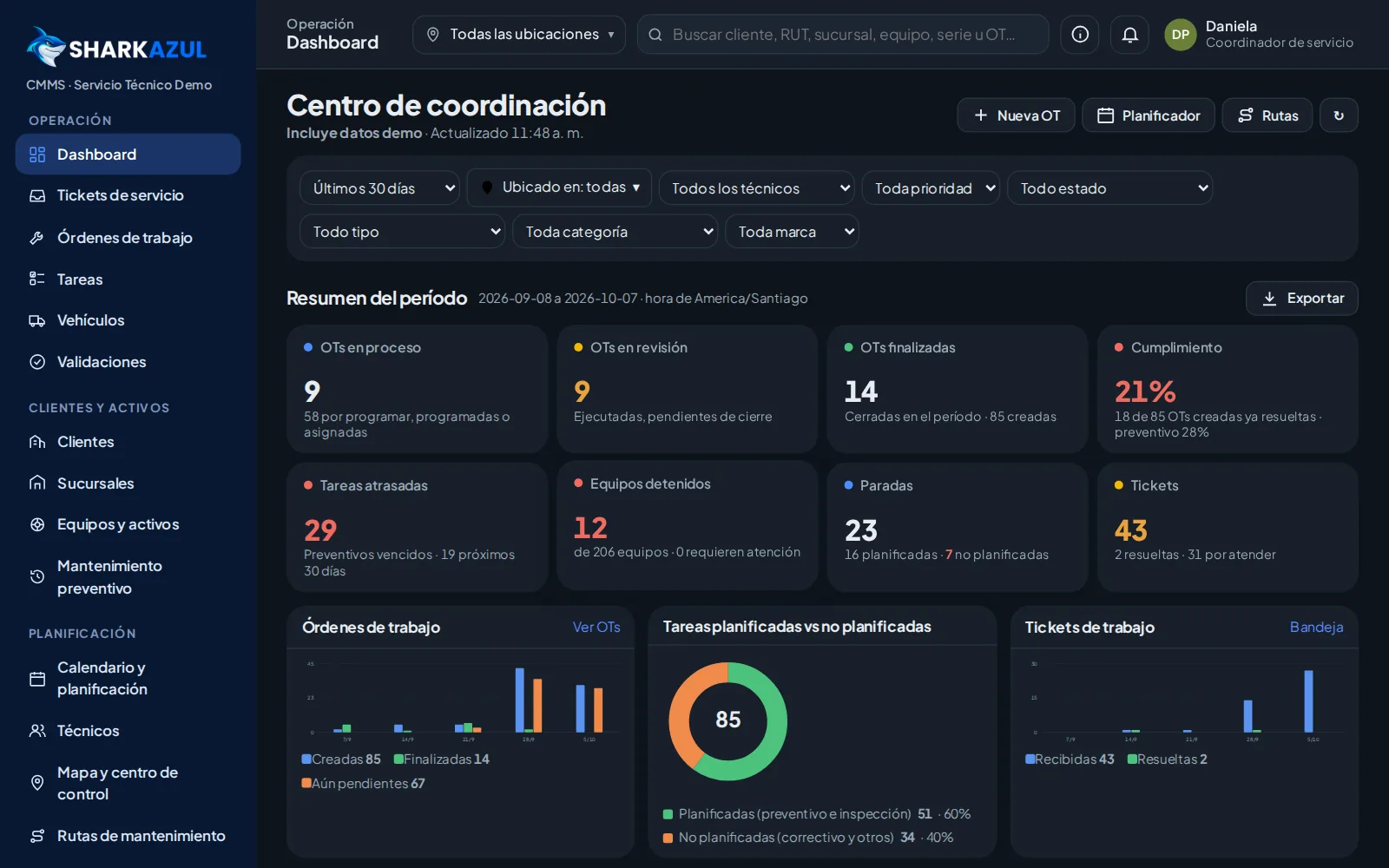
Preventive plans and work orders scheduled automatically, each with its technician.

Geolocated companies, their equipment and suggested routes.
Compliance, overdue work and stopped equipment.
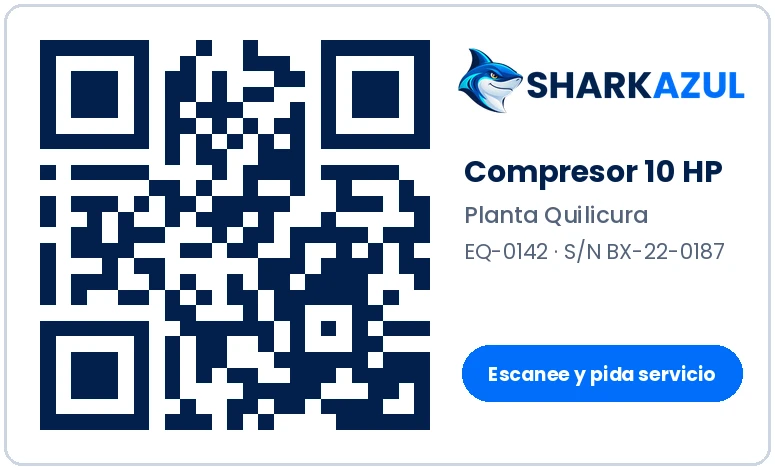
Scan the label to open the asset or a ticket.
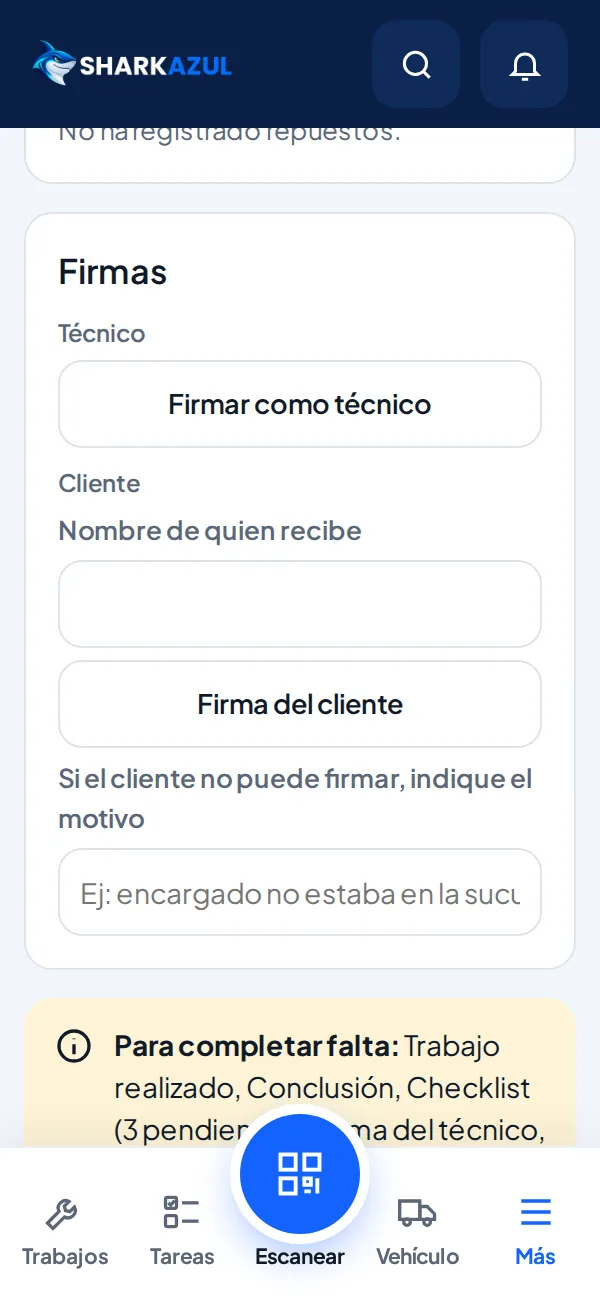
Checklist, before/during/after photos, signature and QR to the history.
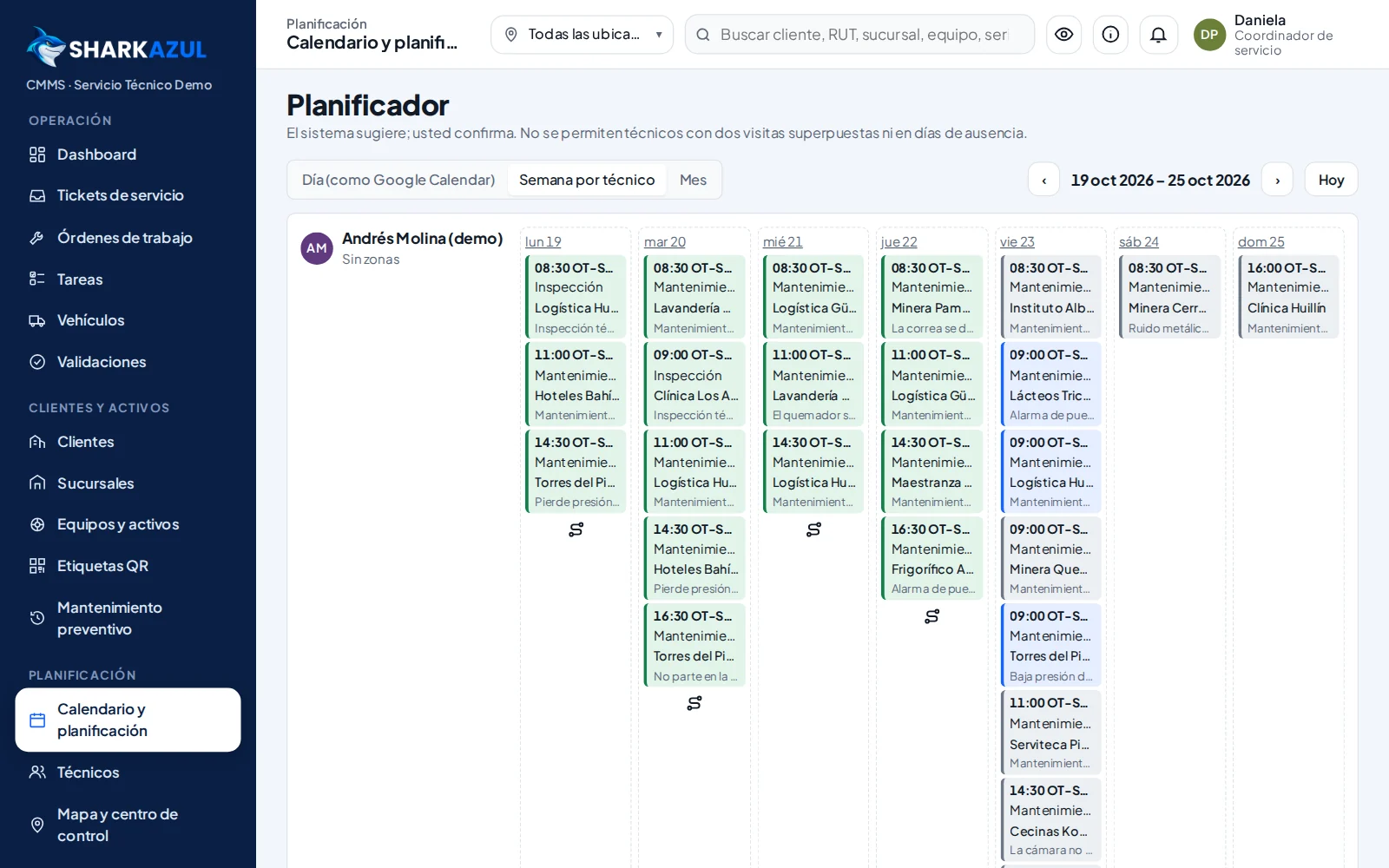
Week per technician, no double booking.
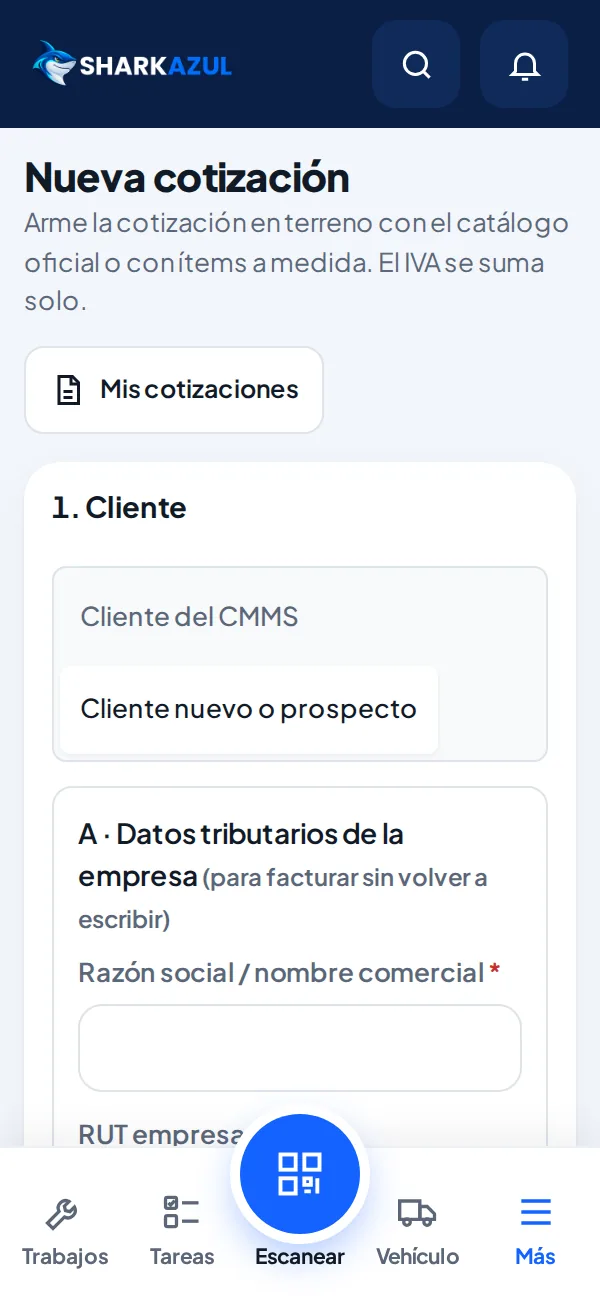
PDF with tax, by email or WhatsApp.
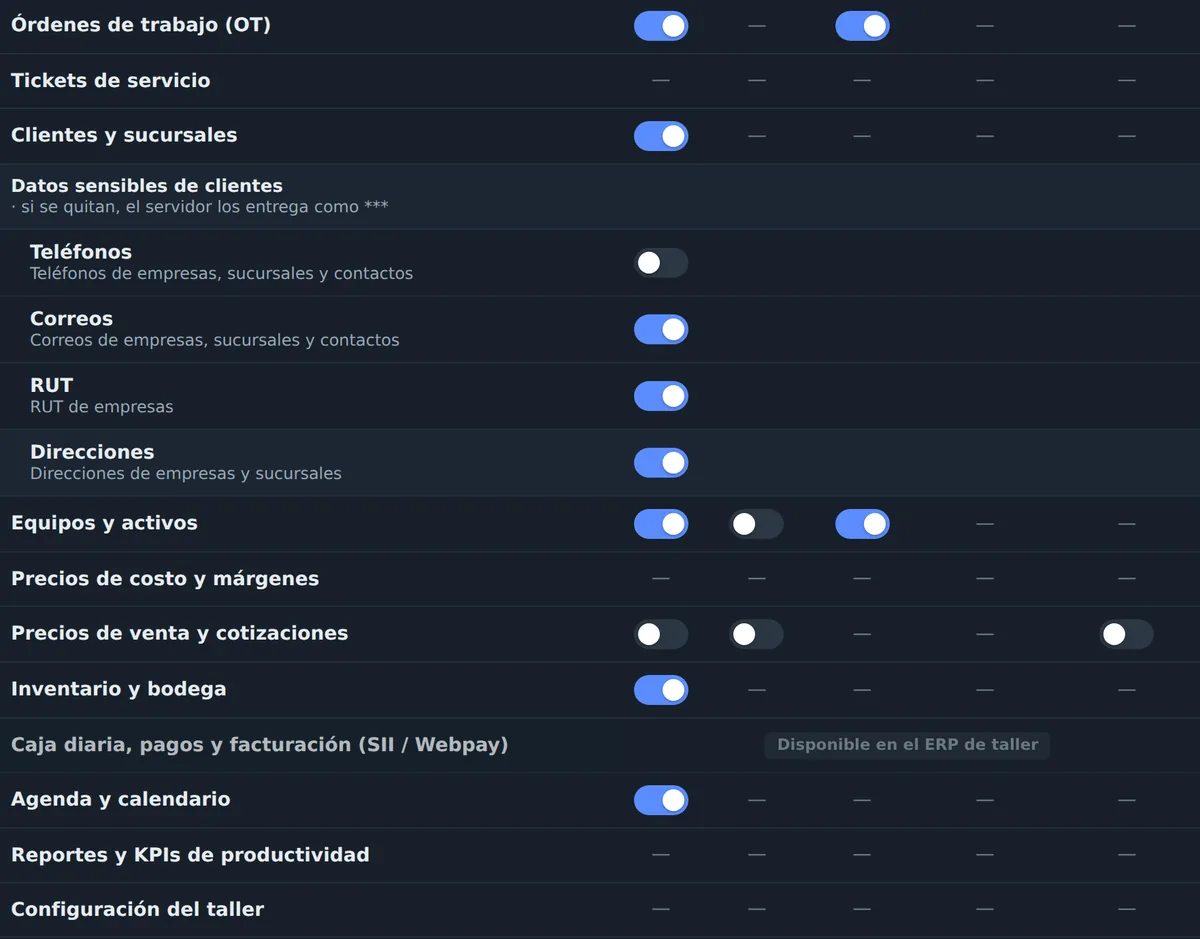
Hide phones, costs or prices by profile.
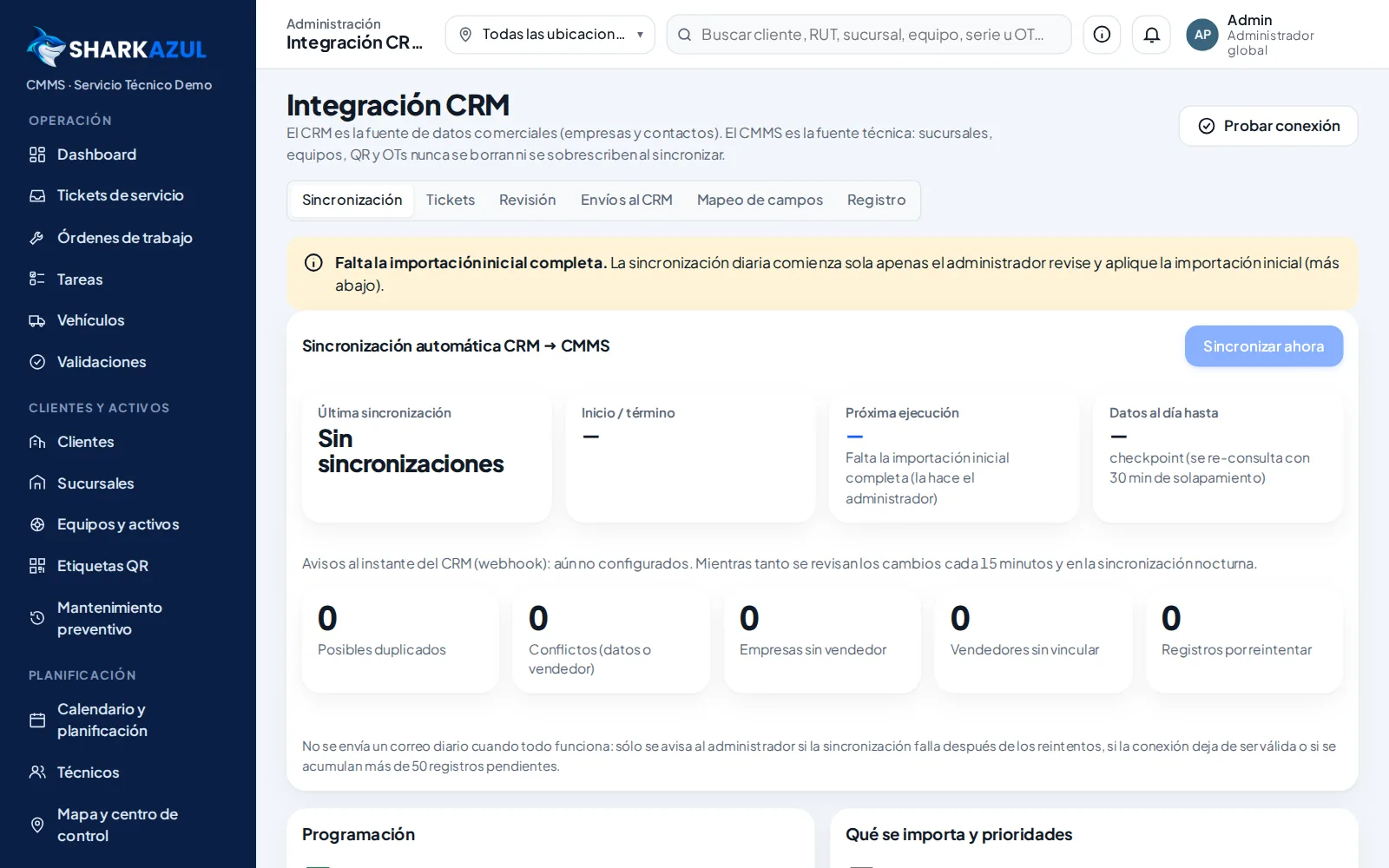
CRM ready to connect; SAP, Odoo, Salesforce and others on request.
50 × 30 mm thermal label on the asset.
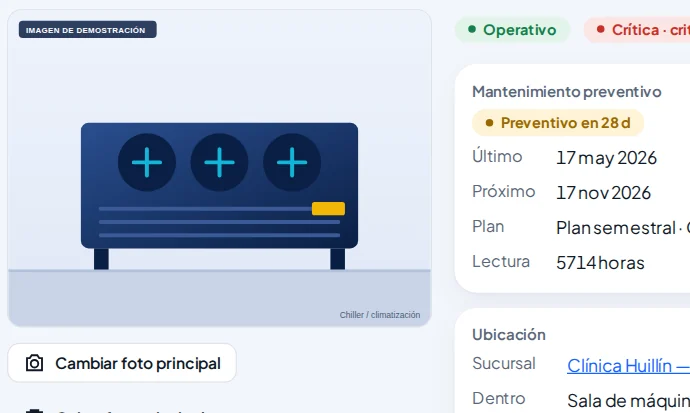
Asset record, history and preventive plan.
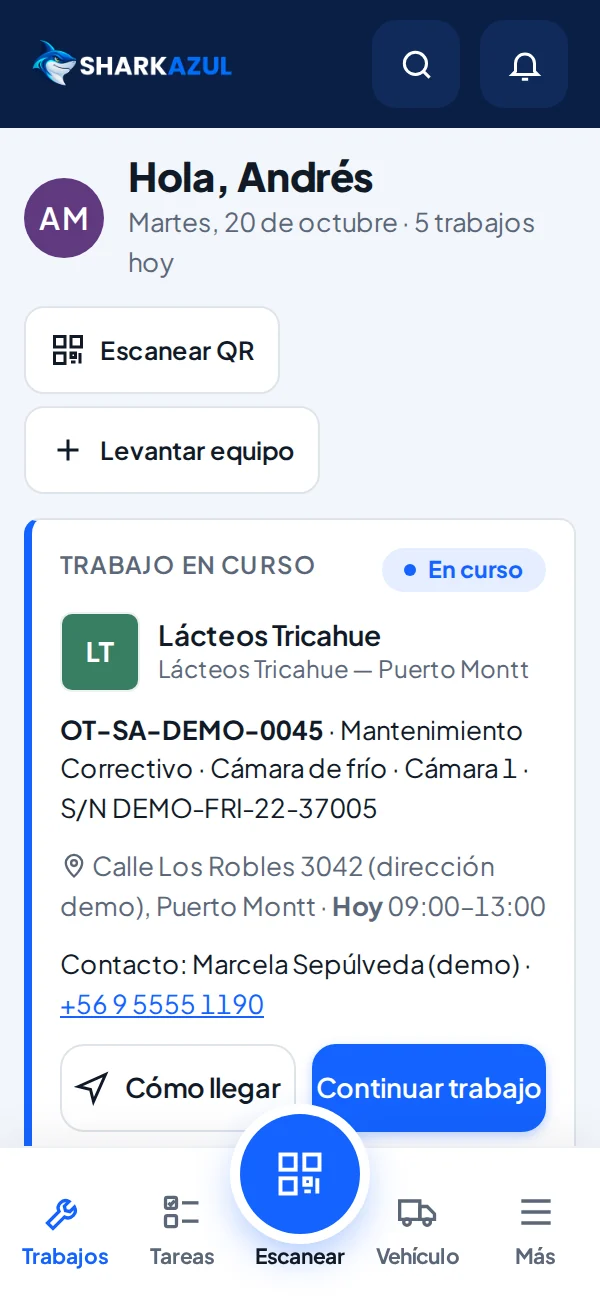
The customer requests service; the technician opens the WO.
Customer and asset data, Good/Fair/Poor/N/A checklist, parts, photos and signatures.
Technicians quote from the phone and register new companies with full details; they reach your CRM as leads.
Coordinators check assets and photos and ask for a new photo when needed.
Technicians never see costs, margins or billing documents.
Instant search even with 20,000+ companies.
CRM instantly and in the background; SAP, Odoo or other systems on request.
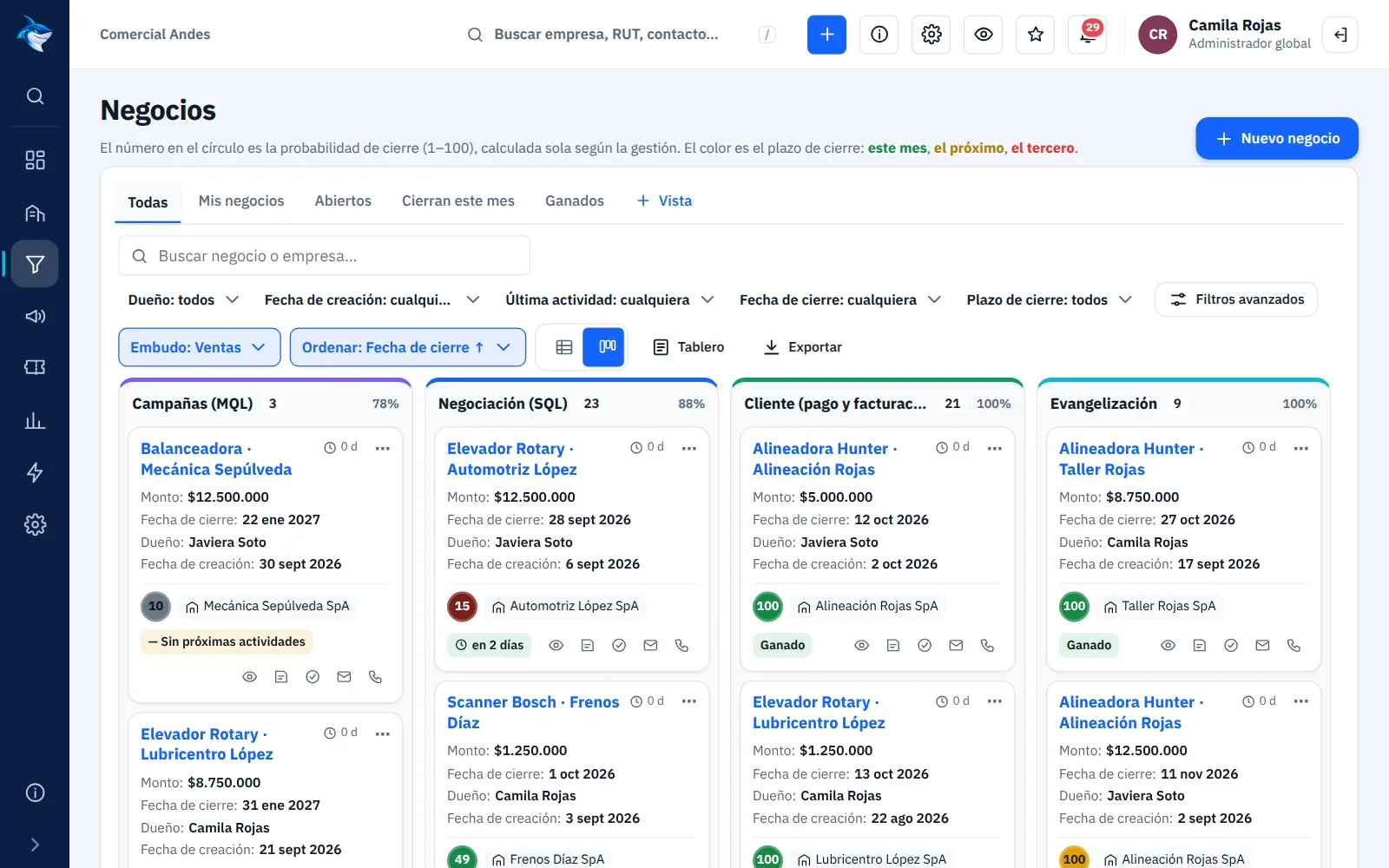
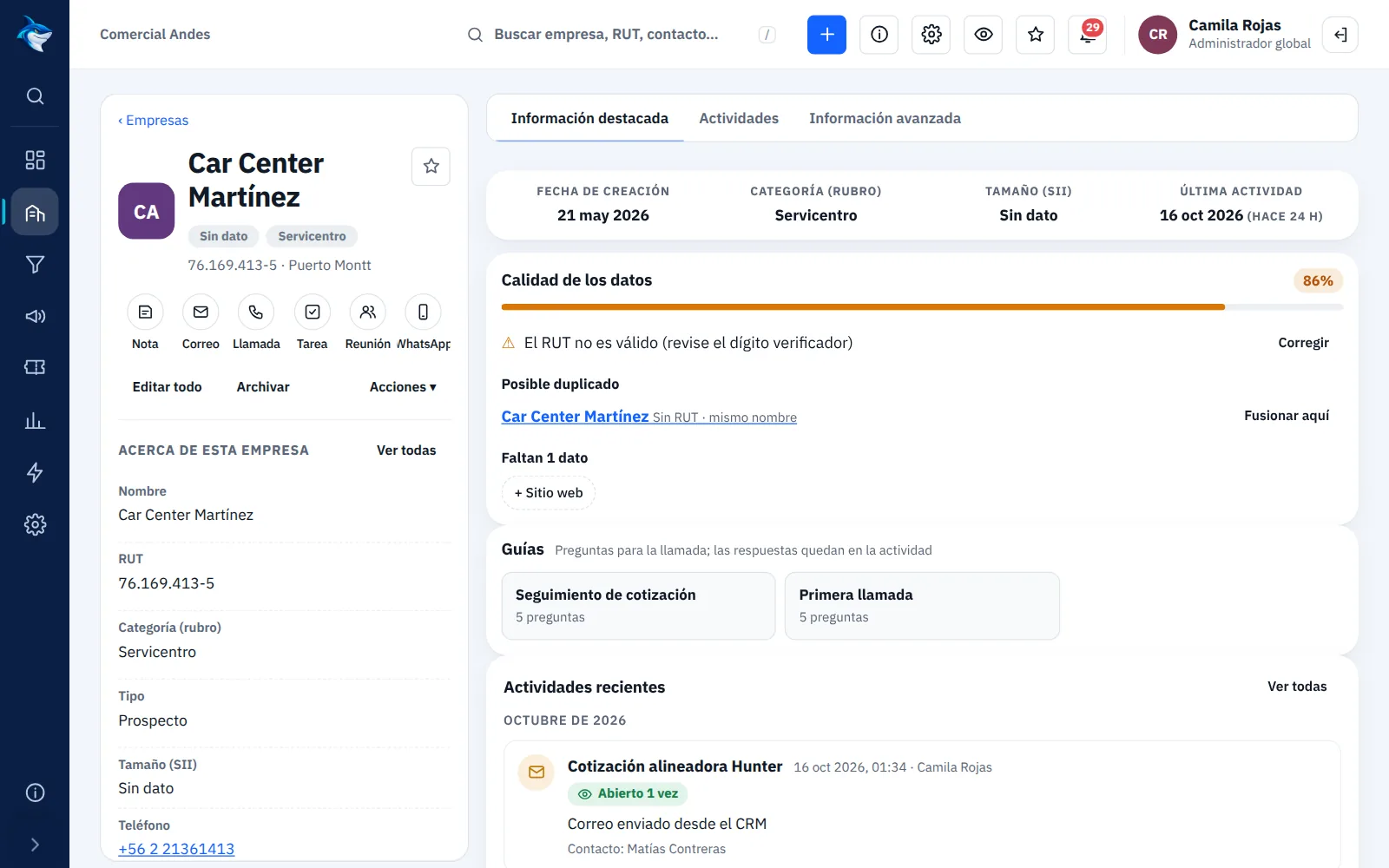
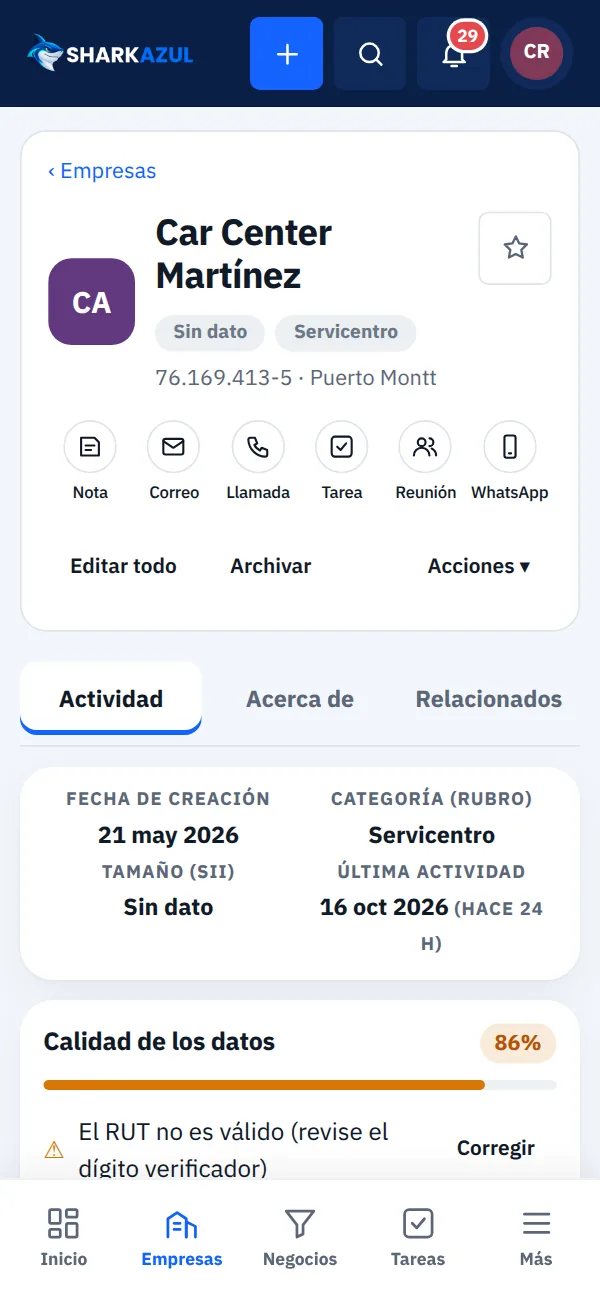
Your whole customer base in one place: companies, contacts, deals and tickets, with each customer's history and alerts when something goes cold.
Customers, follow-ups and opportunities in view from the moment you start the day.

Drag each deal from stage to stage, see the amount per stage and filter by rep or team.
Contacts, deals, tickets, quotes and every call, email and meeting, in order on one screen.
Yes, for Chile's SII through LibreDTE or OpenFactura.
With Webpay (Transbank) or Mercado Pago, from the link the customer receives.
No. The 15-day trial is free and needs no card.
Yes. The technician app stores changes and sends them when the signal returns.
Yes. Each role sees only its own data; technicians never see costs or billing. The server enforces it too.
Yes, from Excel templates with a preview before loading.
Yes, from Salesforce, Pipedrive, another CRM or Excel: companies, contacts, deals, tickets, products, quotes and the full history, with owners.
Yes, in the Pro and Enterprise plans: lists by industry, sequences, A/B tests and an alert to the rep when a prospect shows interest.
Yes, in the browser, nothing to install.
Choose the product for your business.