
The entire maintenance cycle in one place
From the moment someone reports a fault to the signed report: your own or your customers’ equipment, work orders, preventive maintenance and field technicians, all connected.
What's new in the CMMS
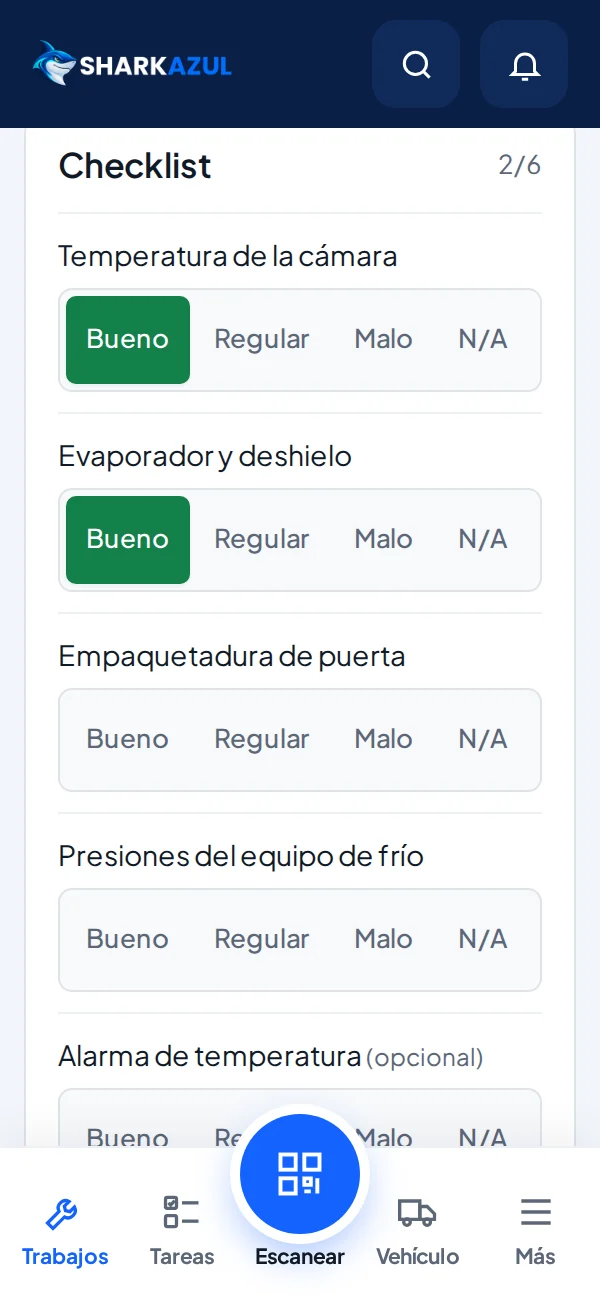
Customer and asset data, Good/Fair/Poor/N/A checklist, parts, photos and signatures.
Technicians quote from the phone and register new companies with full details; they reach your CRM as leads.
Coordinators check assets and photos and ask for a new photo when needed.
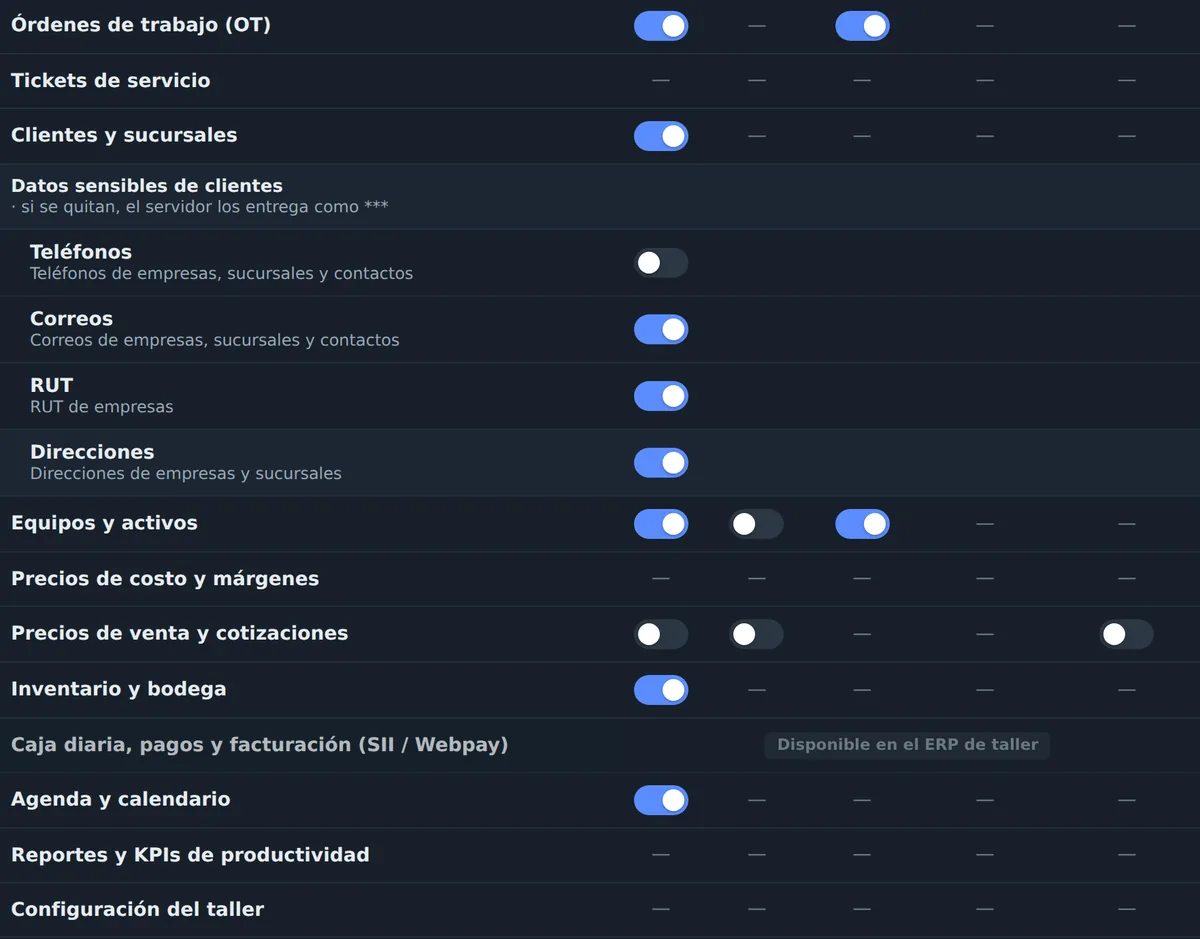
Technicians never see costs, margins or billing documents.
Instant search even with 20,000+ companies.
CRM instantly and in the background; SAP, Odoo or other systems on request.
The work happens in the field.
So does the report.
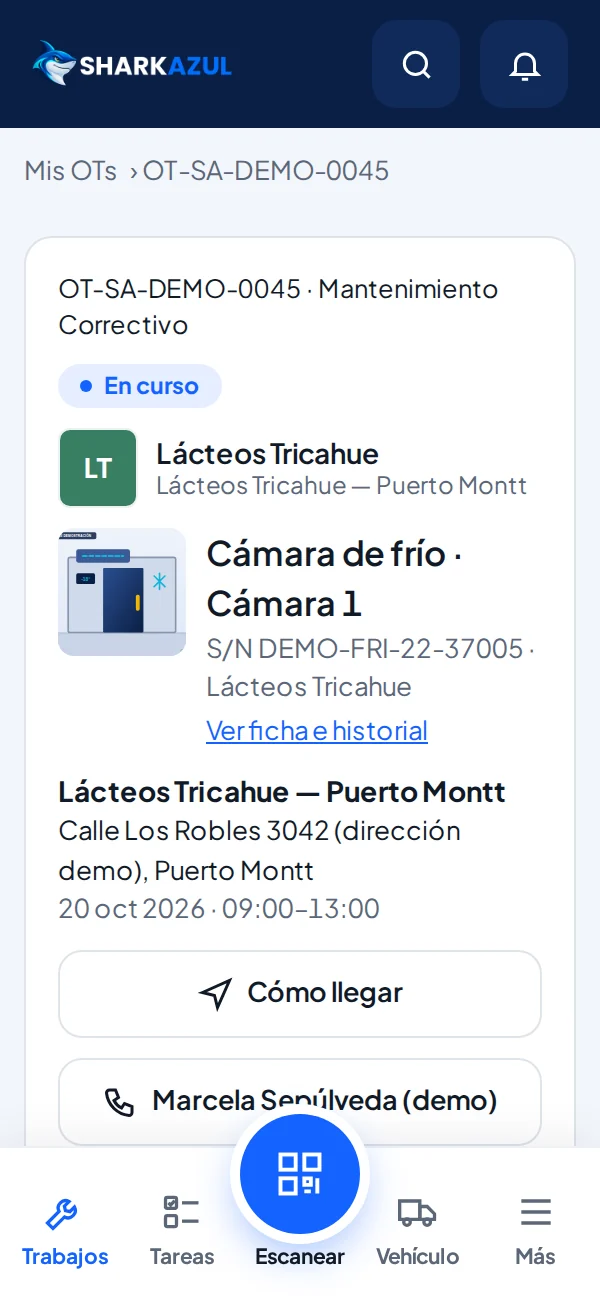
Checklist, photos and signature from the technician’s phone.

Assets and equipment
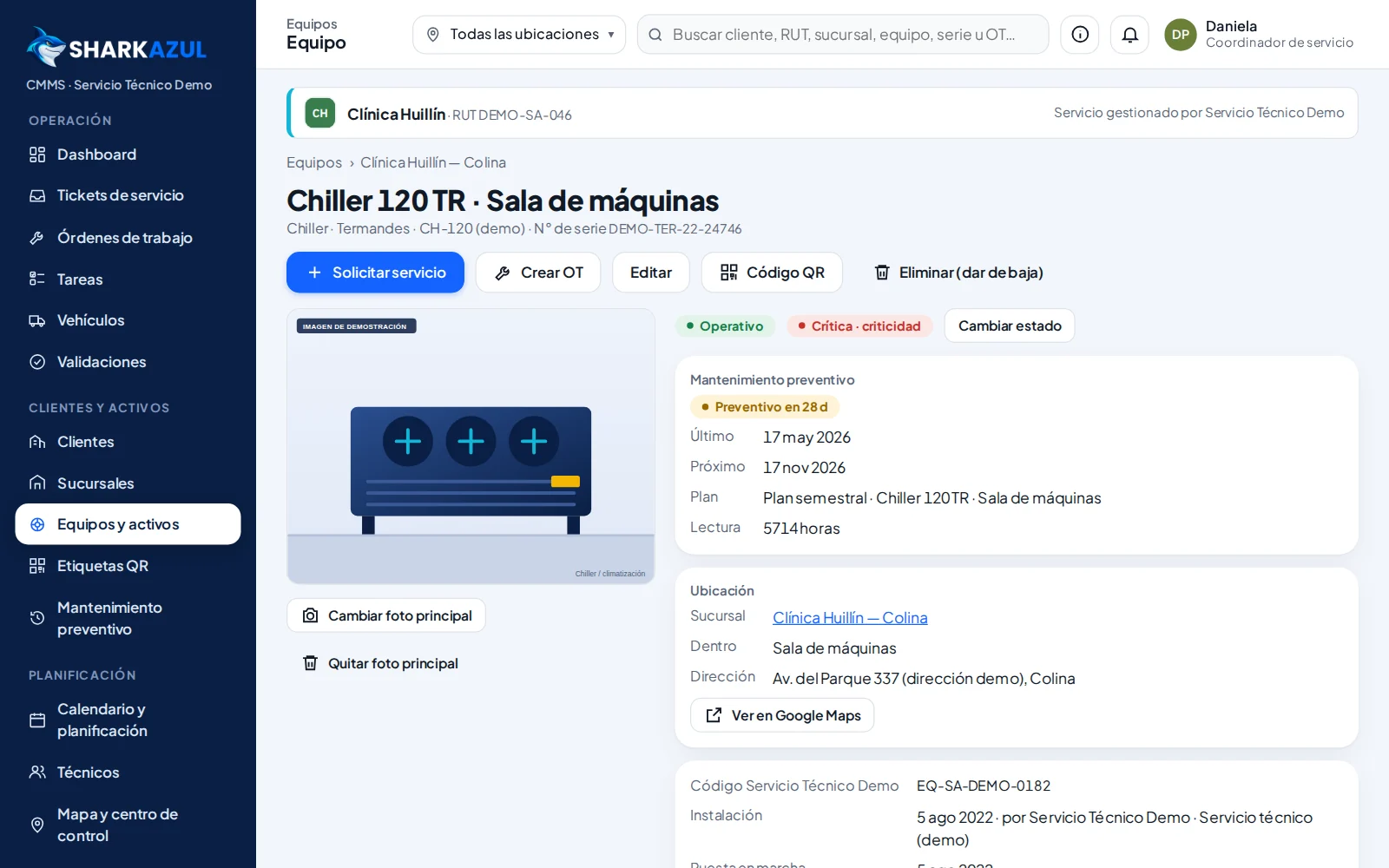
One record per unit with category, brand, model, serial number, location within the site, operating status, criticality, main photo and service history.
- Organized by customer and site
- Parent-child relationships for assemblies (on import)
- New equipment surveyed from the field, with later validation
QR codes
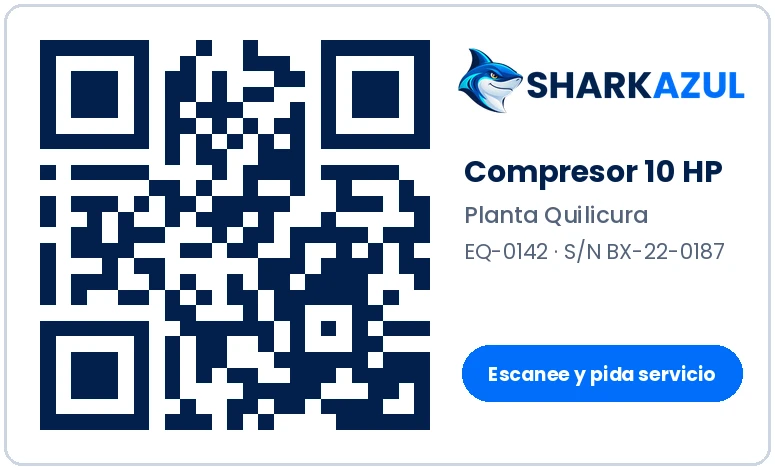
Each unit has its own QR code. When scanned, the technician or customer goes straight to its record, with the appropriate login.
- Printable label per unit
- Label replacement with a new code
- Bulk label printing (coming soon)
Service requests
Customers request service from their portal; the sales team can open orders with the customer's initial information. Coordination reviews each request and converts it into a WO.
- Service type and preferred dates
- Customer information flagged as pending technical validation
- A single inbox for everything that comes in
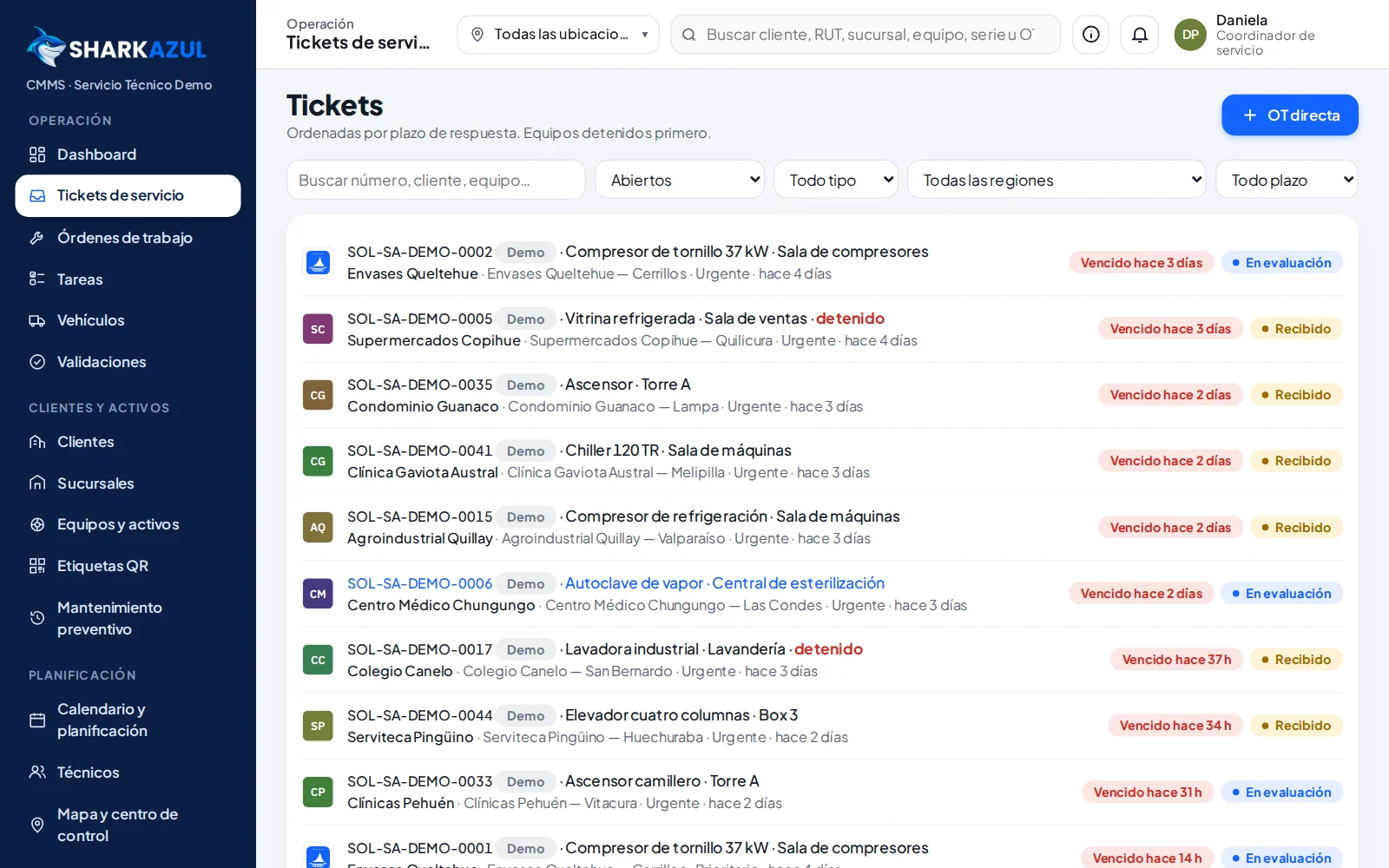
Work orders
Clear statuses for every stage, a mandatory reason when a WO is put on hold, and a record of every change.
- On hold for parts, for the customer or another reason, with a next action
- Quote and approval when applicable
- Complete history per unit
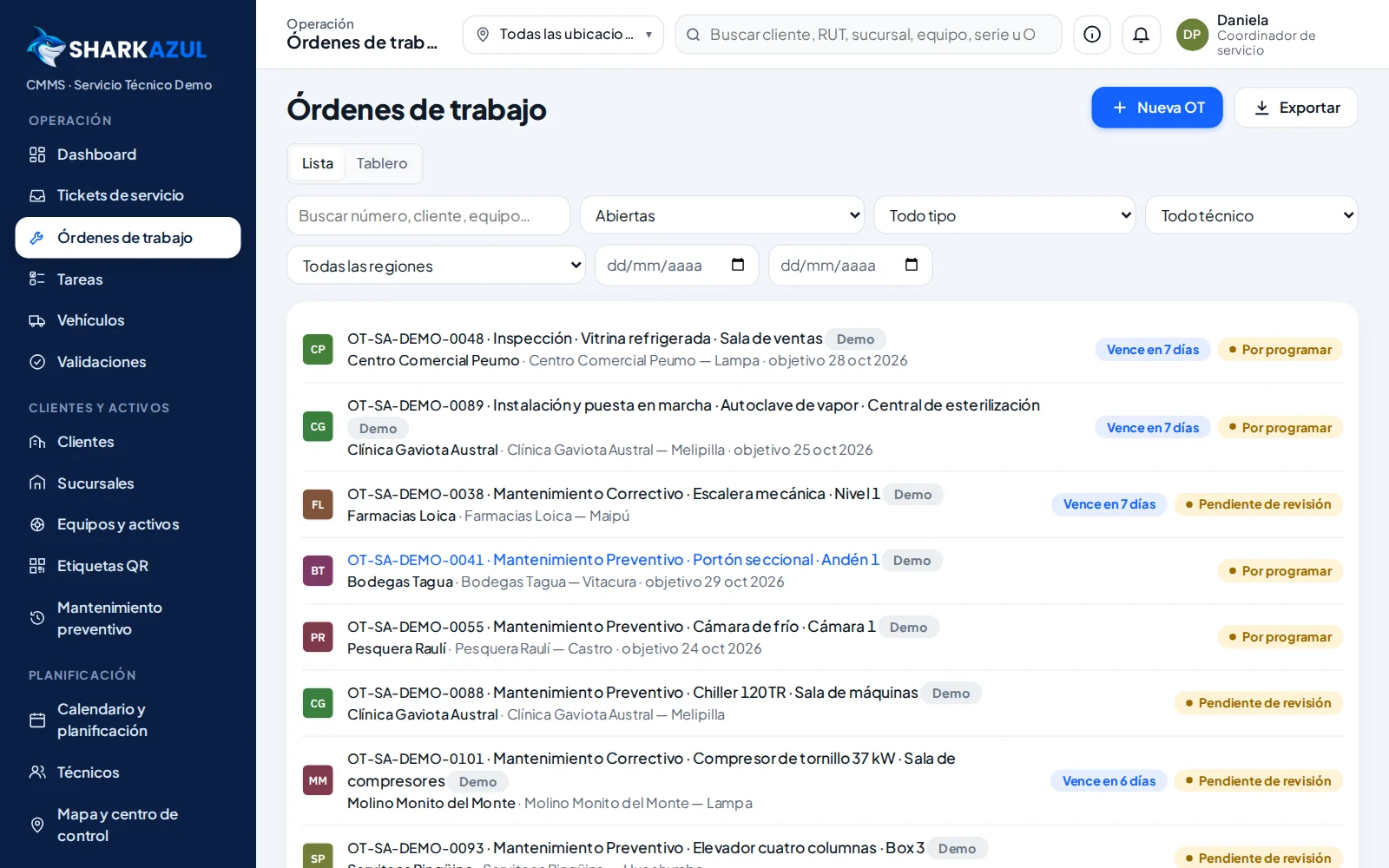
Planning and calendar
Schedule and assign technicians with time windows, see each person's workload and detect scheduling conflicts before confirming.
- Calendar by technician
- Scheduled WOs without a technician in plain sight
- Maintenance routes by zone
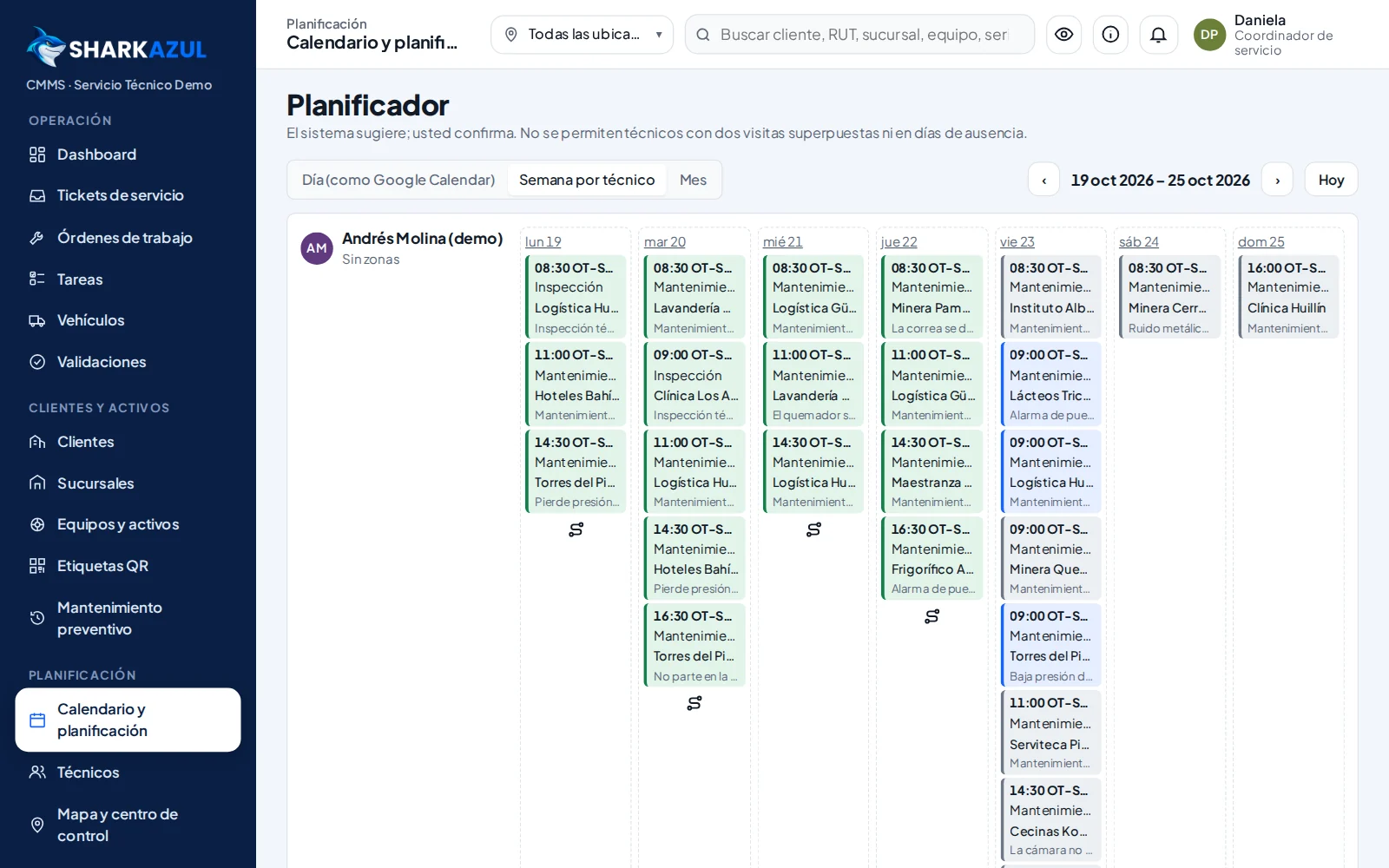
Field execution
Technicians see their jobs for the day, scan the QR code, complete the checklist, record readings, take photos and capture the customer's signature on their phone.
- Works without signal and syncs when the connection returns
- Photos optimized on the phone itself
- Installable on the home screen
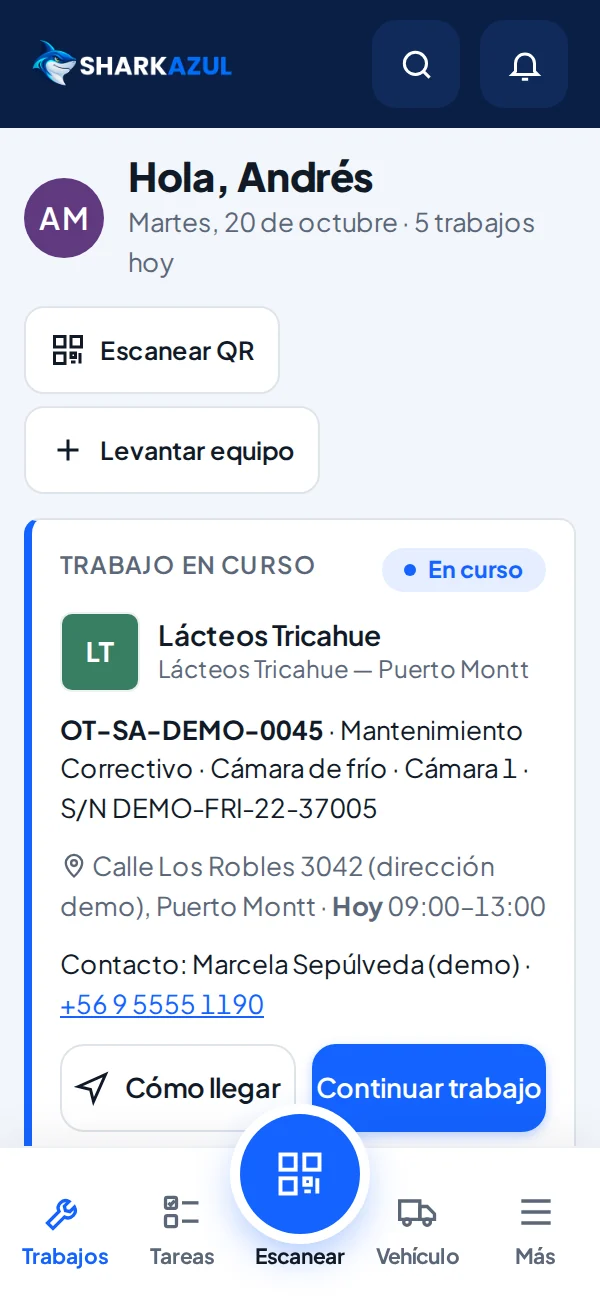
Checklists and evidence
Inspection templates by equipment or service type, with mandatory items, notes and photos as backup.
- Each WO keeps its own copy of the checklist
- Notes per item
- Linked photo evidence
Signed reports
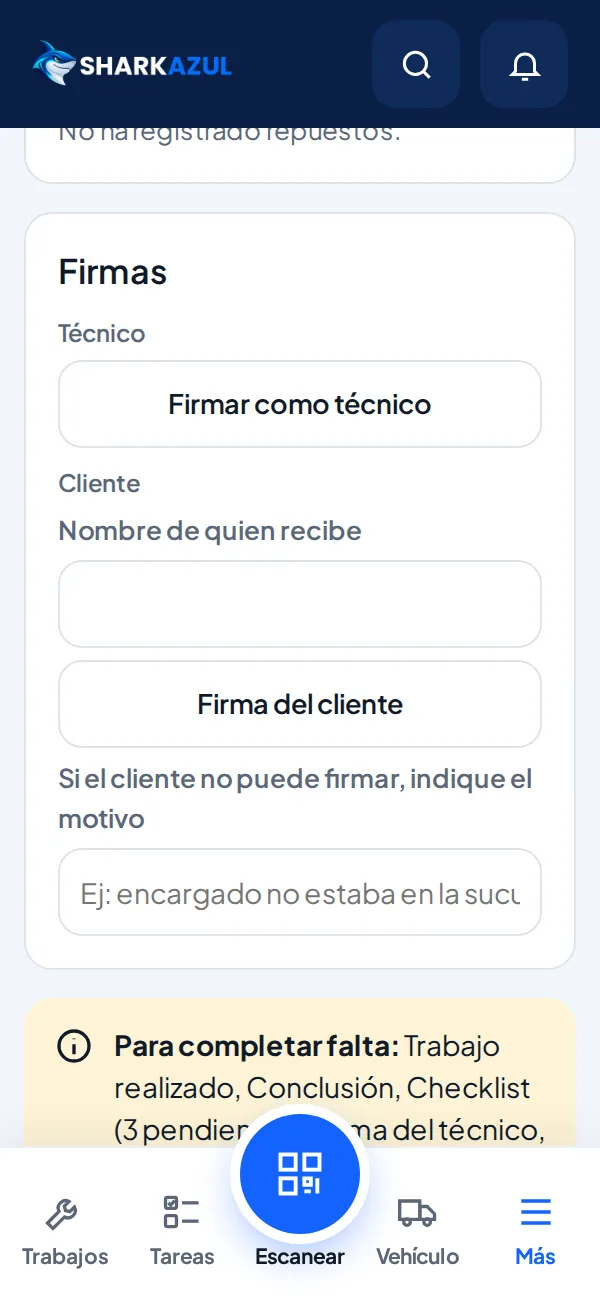
On closing, the WO generates a report with the work performed, diagnosis, recommendations, photos and the signatures of the technician and the customer.
- PDF download
- Available to the customer in their portal
- Reason recorded when there is no signature
Never miss the next
maintenance again.
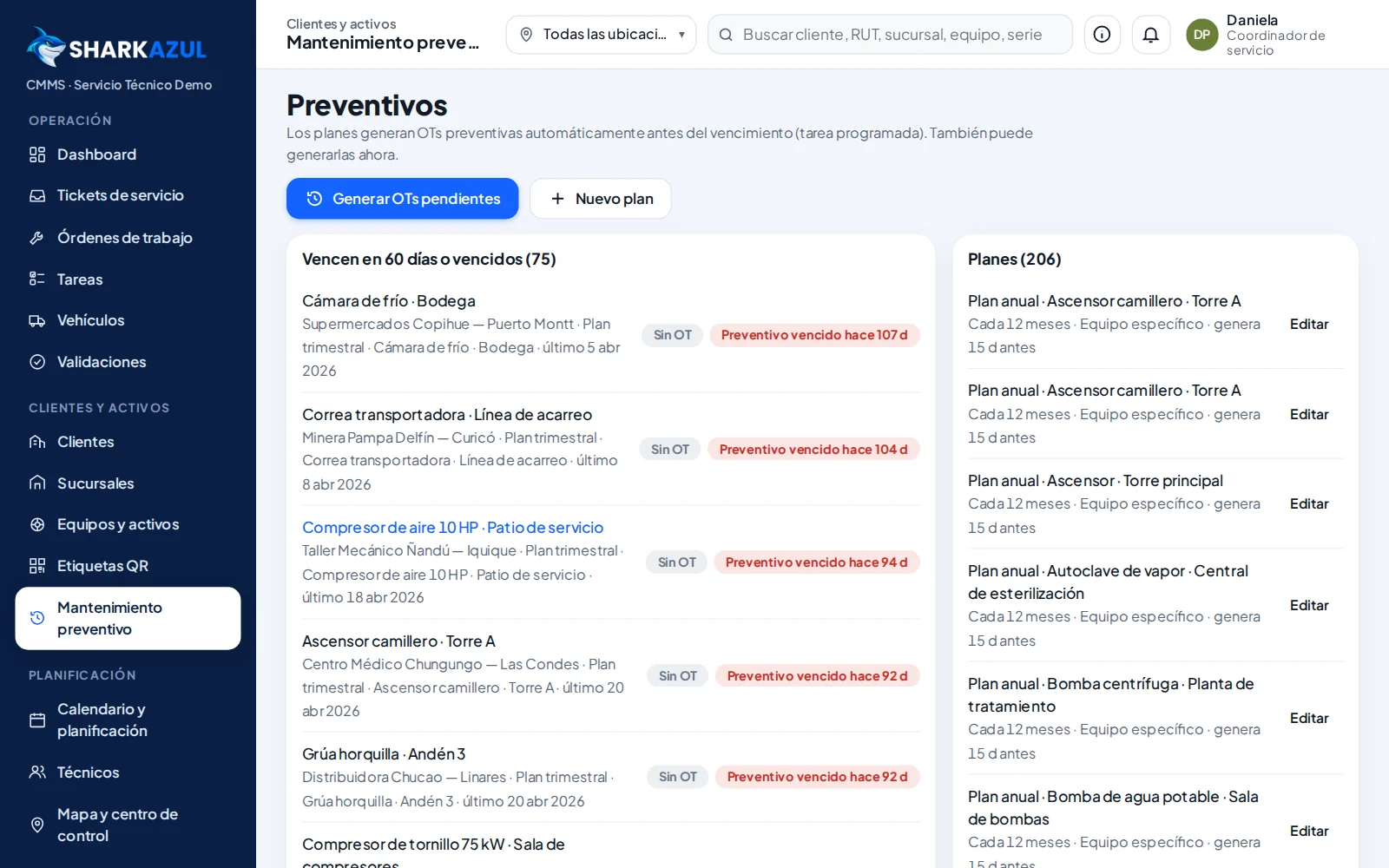
Preventive plans and work orders scheduled automatically, each with its technician.

Preventive maintenance
Plans by equipment, model or category with a frequency in days, months or operating hours. Work orders are generated as far in advance as you define.
- Next preventive maintenance visible on each unit
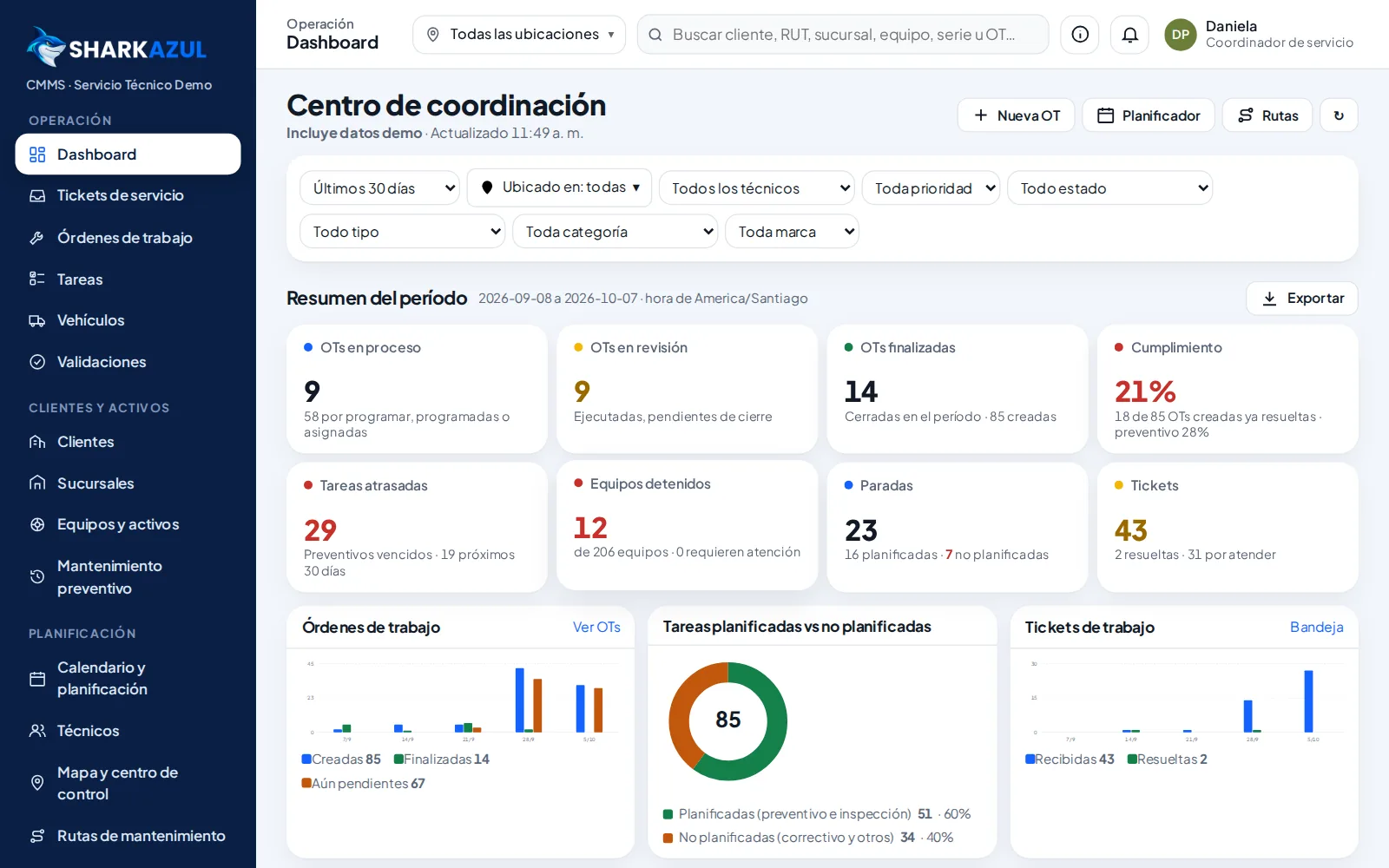
- Preventive maintenance compliance on the dashboard
- Checklist linked to the plan
Contracts and service levels
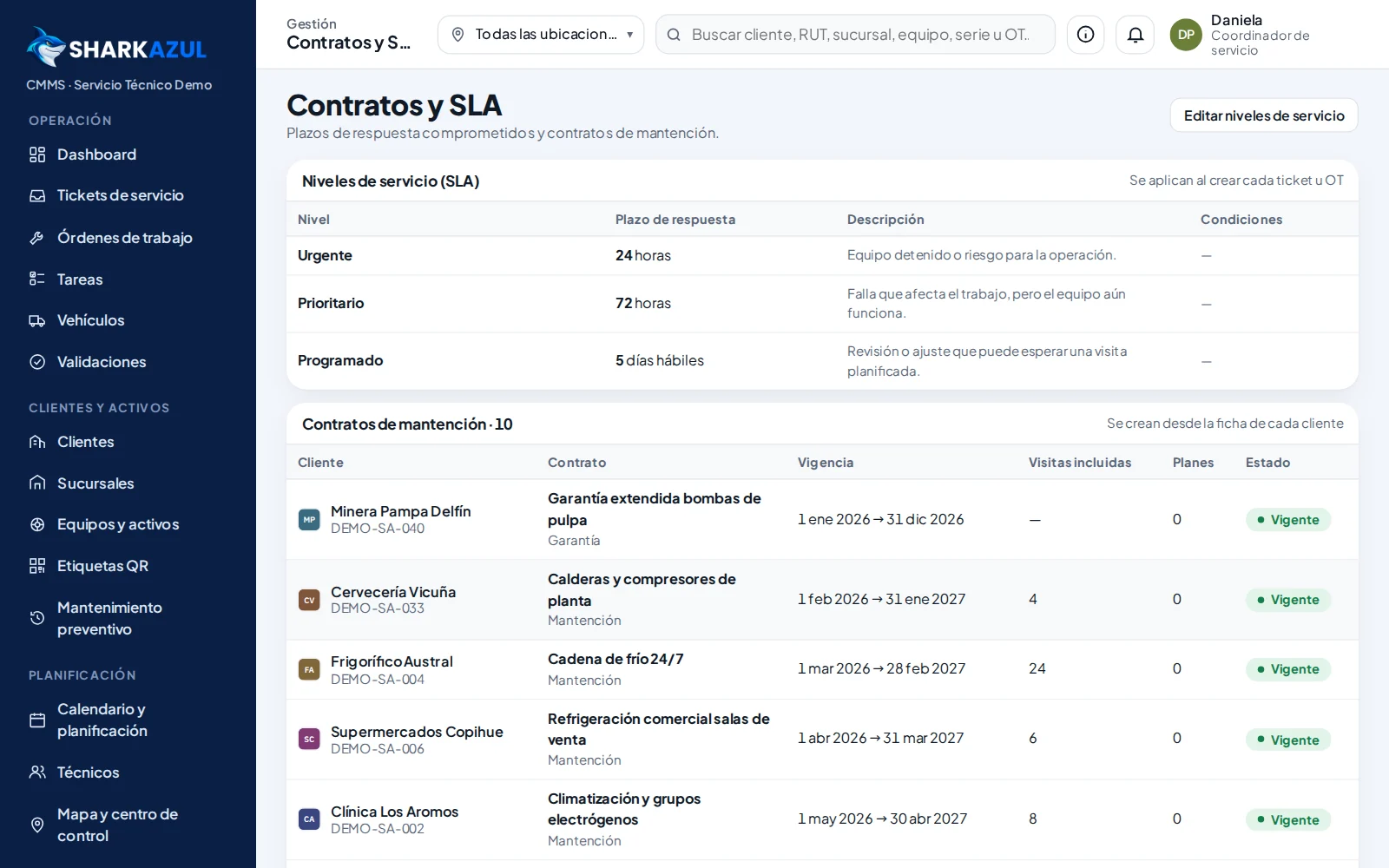
Record contracts by customer and service levels with their response times to prioritize work.
- Expiration dates in plain sight
- Response time by level
- Paid 24 h / 72 h / 5-day services (coming soon)
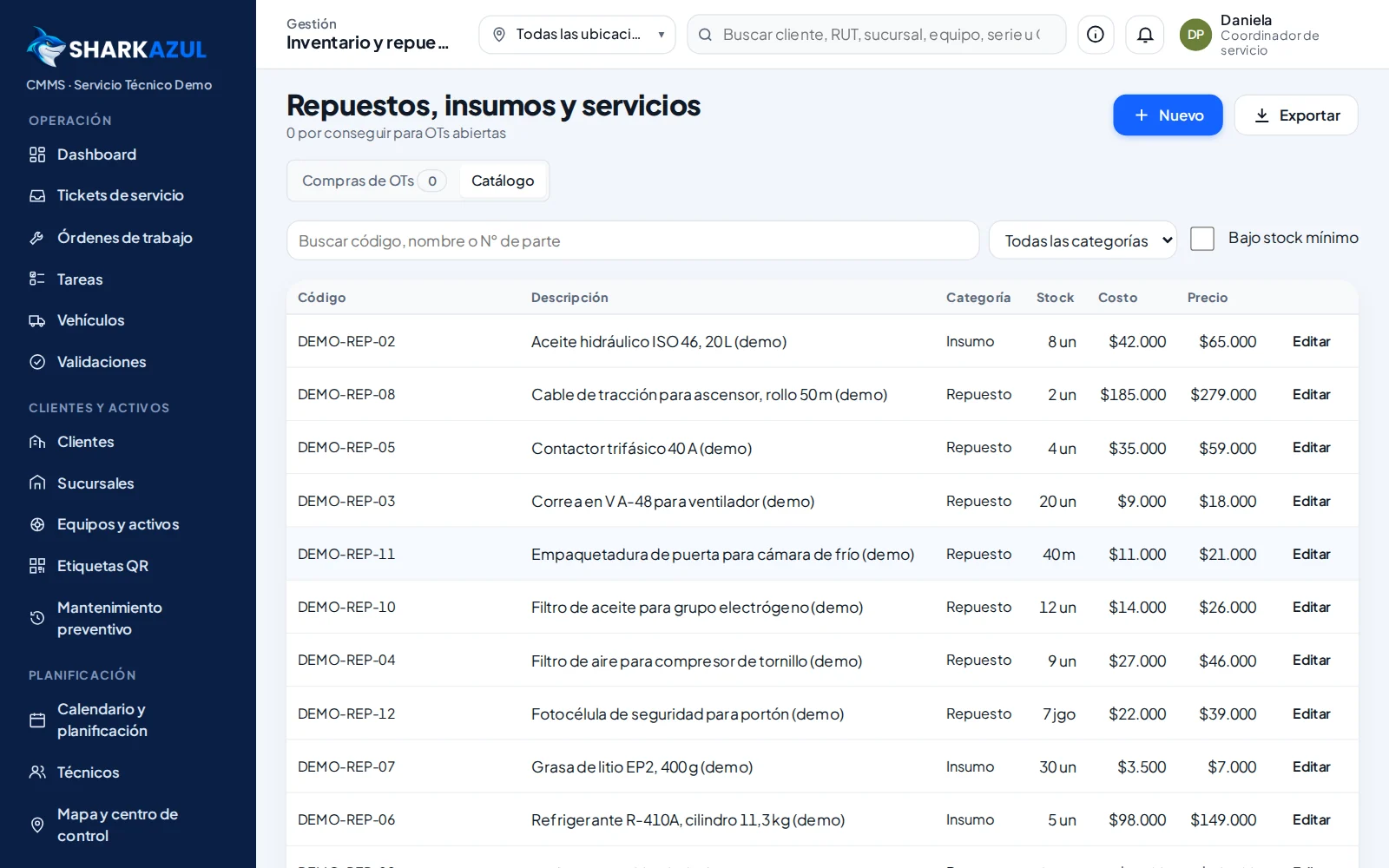
Spare parts and inventory
Spare parts catalog with costs and prices, and parts linked to each WO. Warehouses with opening stock, tools and suppliers are loaded from the import center.
- Parts required and issued per WO
- Opening inventory by warehouse
- Tools with calibration dates, and suppliers
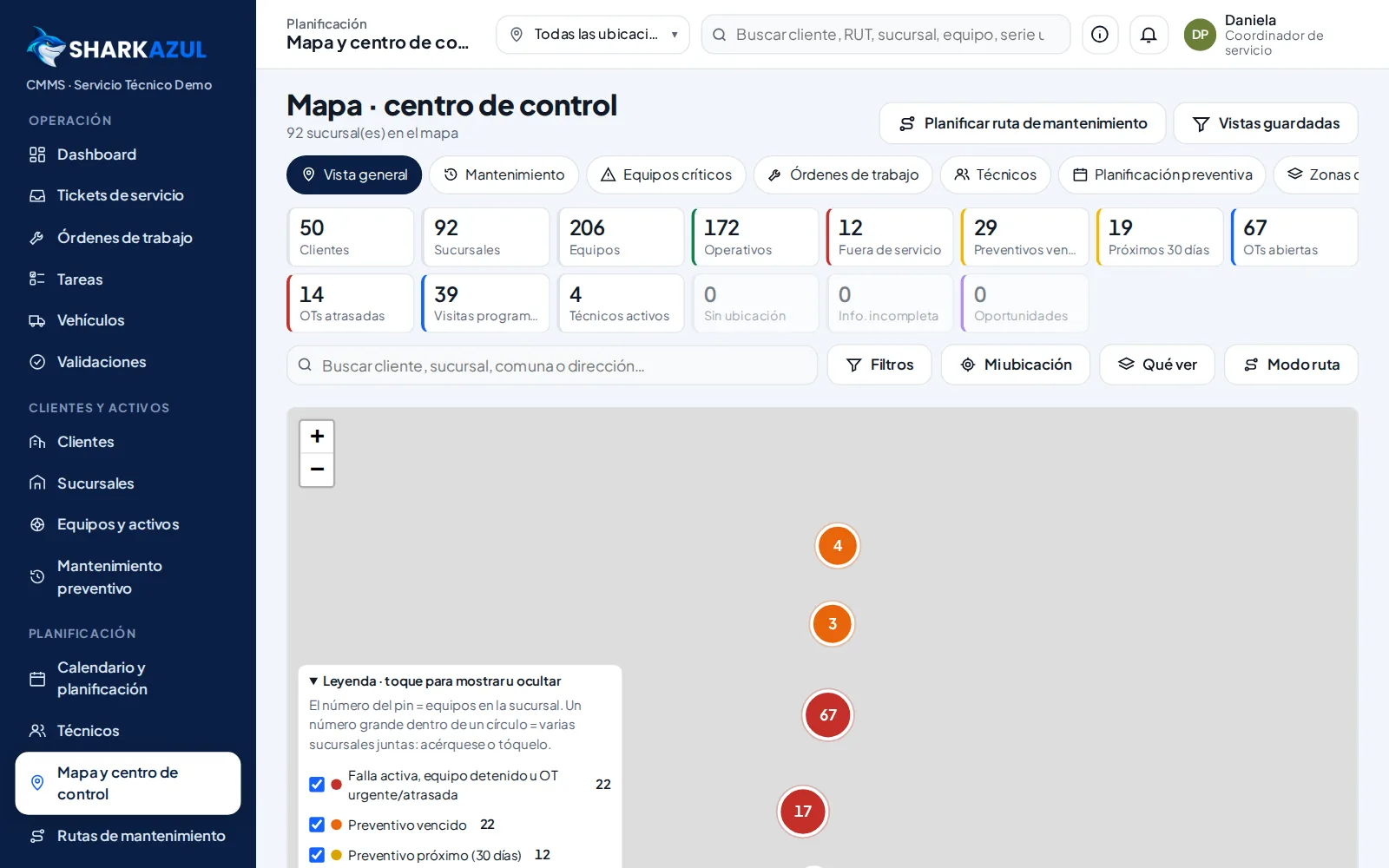
Map and control center
See sites, equipment and jobs on the map with different analysis modes, and plan routes.
- Validated location per site
- Filters by status, region and customer
- Mobile-friendly view
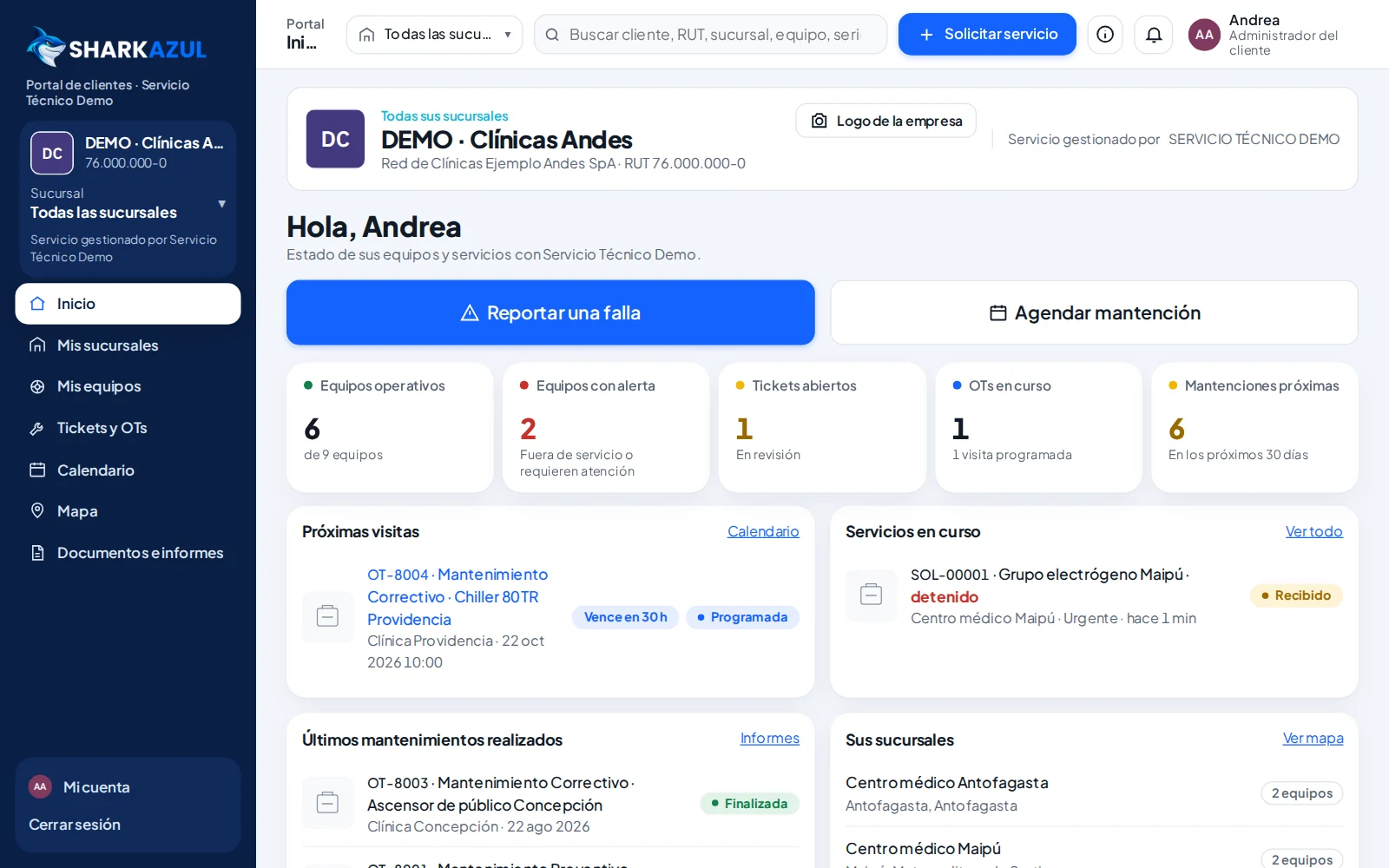
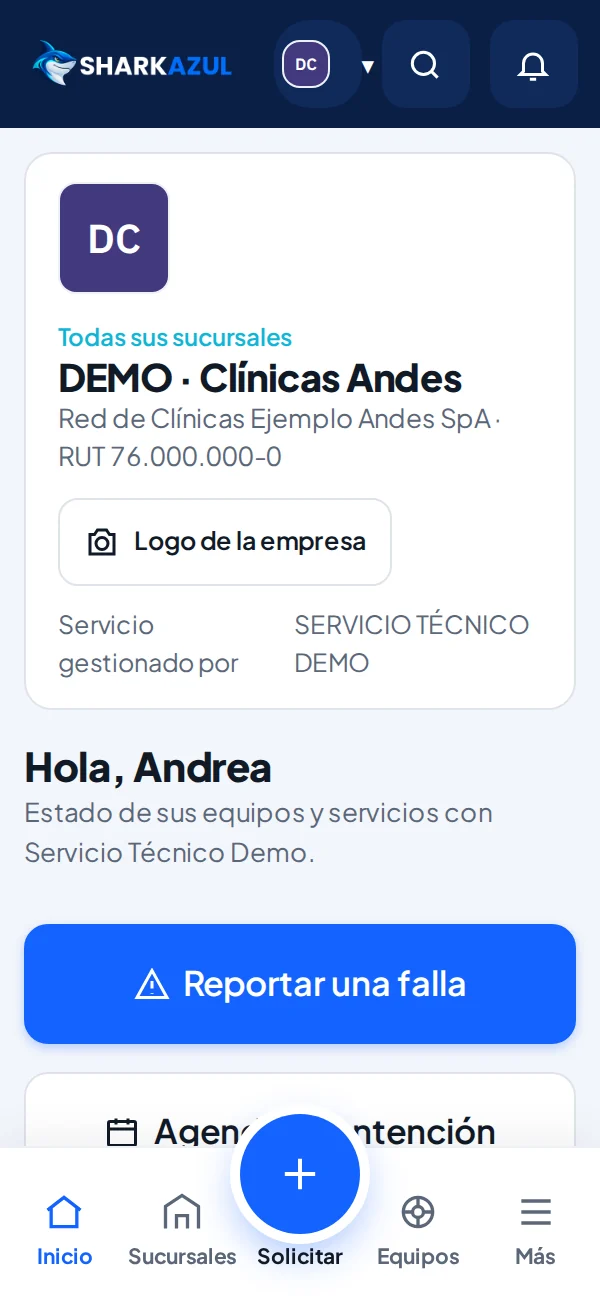
Customer portal
Your customers see their sites and equipment, request service, check the calendar and download reports and documents.
- Each customer sees only their own company
- Customer administrator and users
- Fewer follow-up calls and emails
Dashboard and KPIs
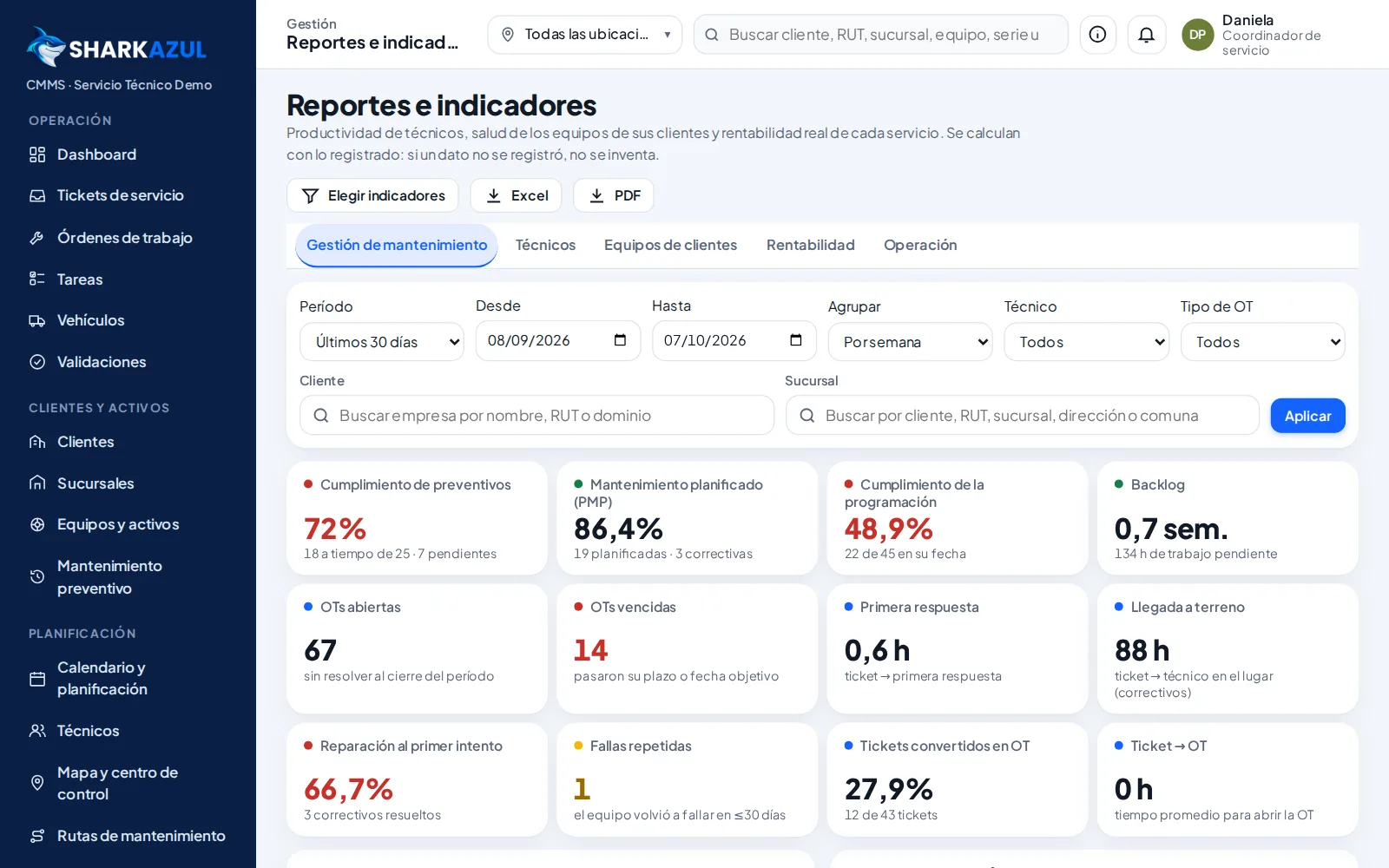
Role-based dashboards with open and overdue WOs, technician workload and preventive maintenance compliance, with data export.
- Filters by customer and site
- Export to spreadsheet
- More reliability KPIs (coming soon)
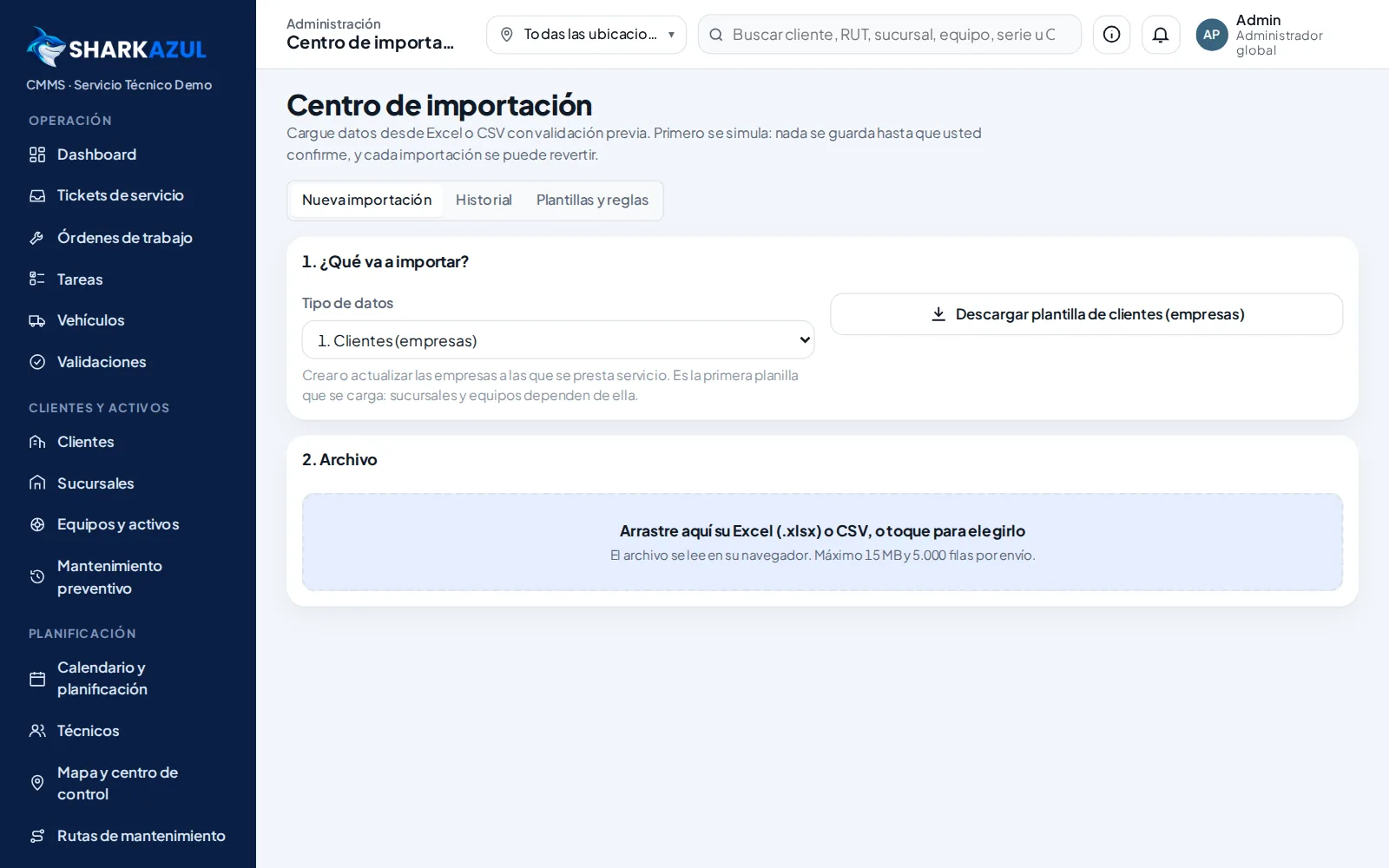
Import center
Migrate from spreadsheets or another system with official templates, column mapping, dry run, error report and reversible history.
- Customers, sites, equipment, spare parts, inventory and more
- No duplicates when repeating a load
- No emails or notifications sent during the load
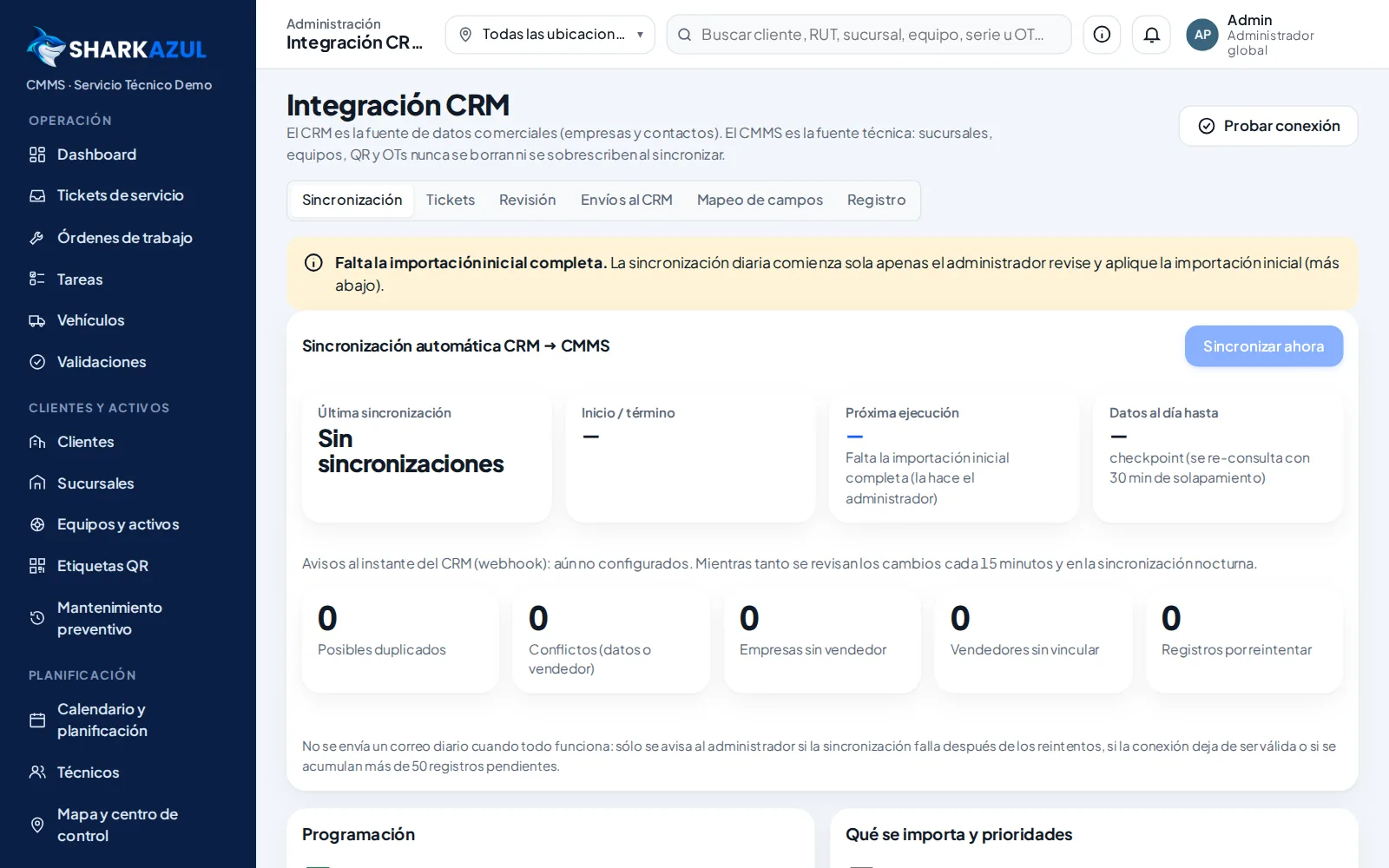
Connects with your software
Your CRM is ready to connect: sync companies and contacts with a preview, conflict review and automatic updates. For SAP, Odoo, Salesforce or other systems, we build the connection on request.
- Never silently overwrites technical information
- Filter for customers with recent activity
- Demo data excluded
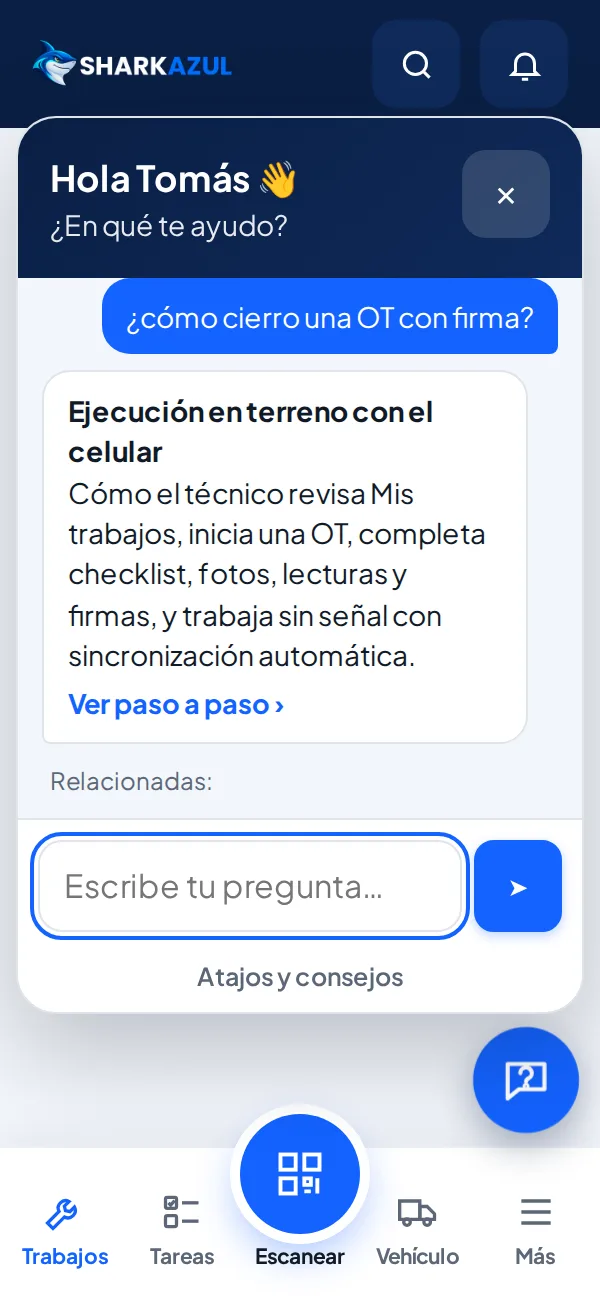
Help inside the app
Everyone gets an assistant that answers questions by role and links to the step-by-step article. Your team learns on its own, without long trainings.
- Answers for coordinators, technicians and clients
- Search in your own words
- Direct link to the step-by-step guide
Security and auditing
Role- and company-based permissions enforced in the database, single-use invitations, temporary links for files and a change log.
- Protected owner account
- Role preview with demo data
- Passwords are never sent by email
See it working with your own processes
Book a guided demo with sample data and get your questions answered by the SharkAzul team.