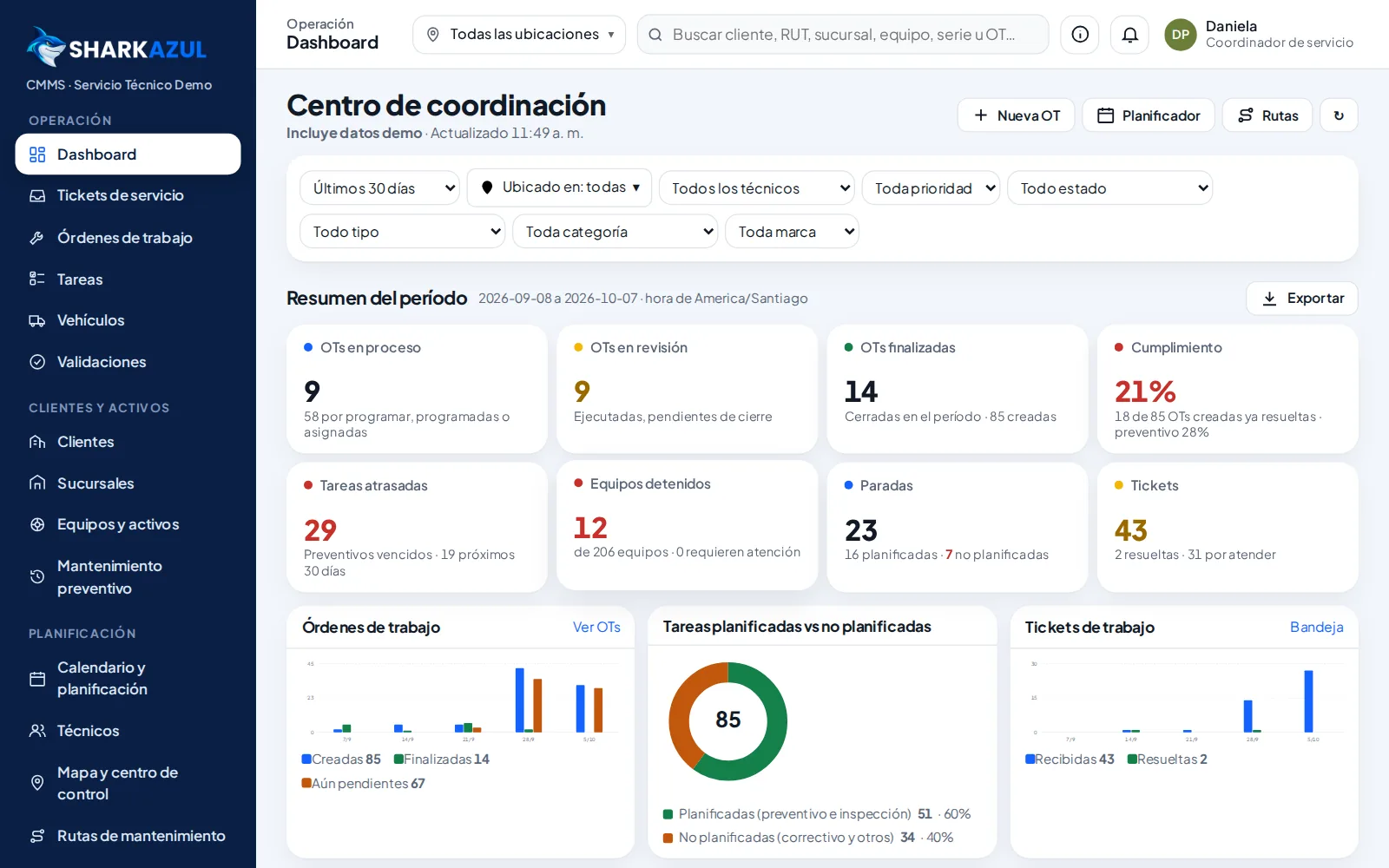
 CMMS Maintenance
Maintenance and field service
Work orders, field technicians, QR-tagged assets, preventive plans, map, delivery sign-off and customer portal.
Log in to CMMS →Choose the application you use. Each one has its own login; what you see inside depends on your role.

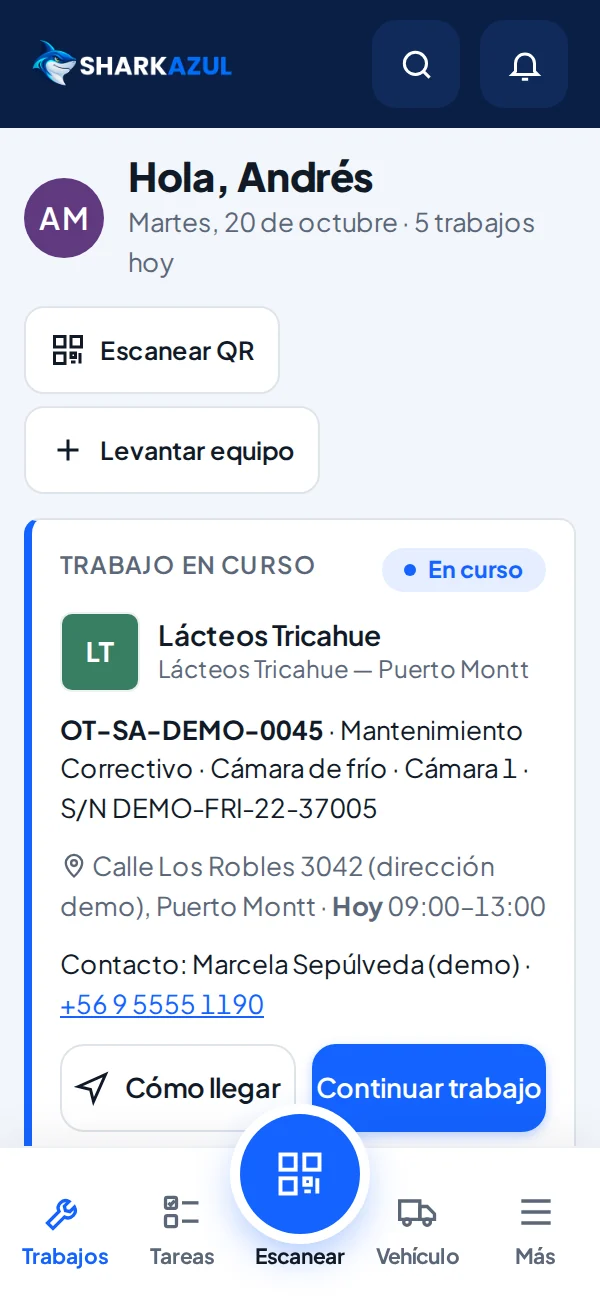 CMMS Maintenance
Maintenance and field service
Work orders, field technicians, QR-tagged assets, preventive plans, map, delivery sign-off and customer portal.
Log in to CMMS →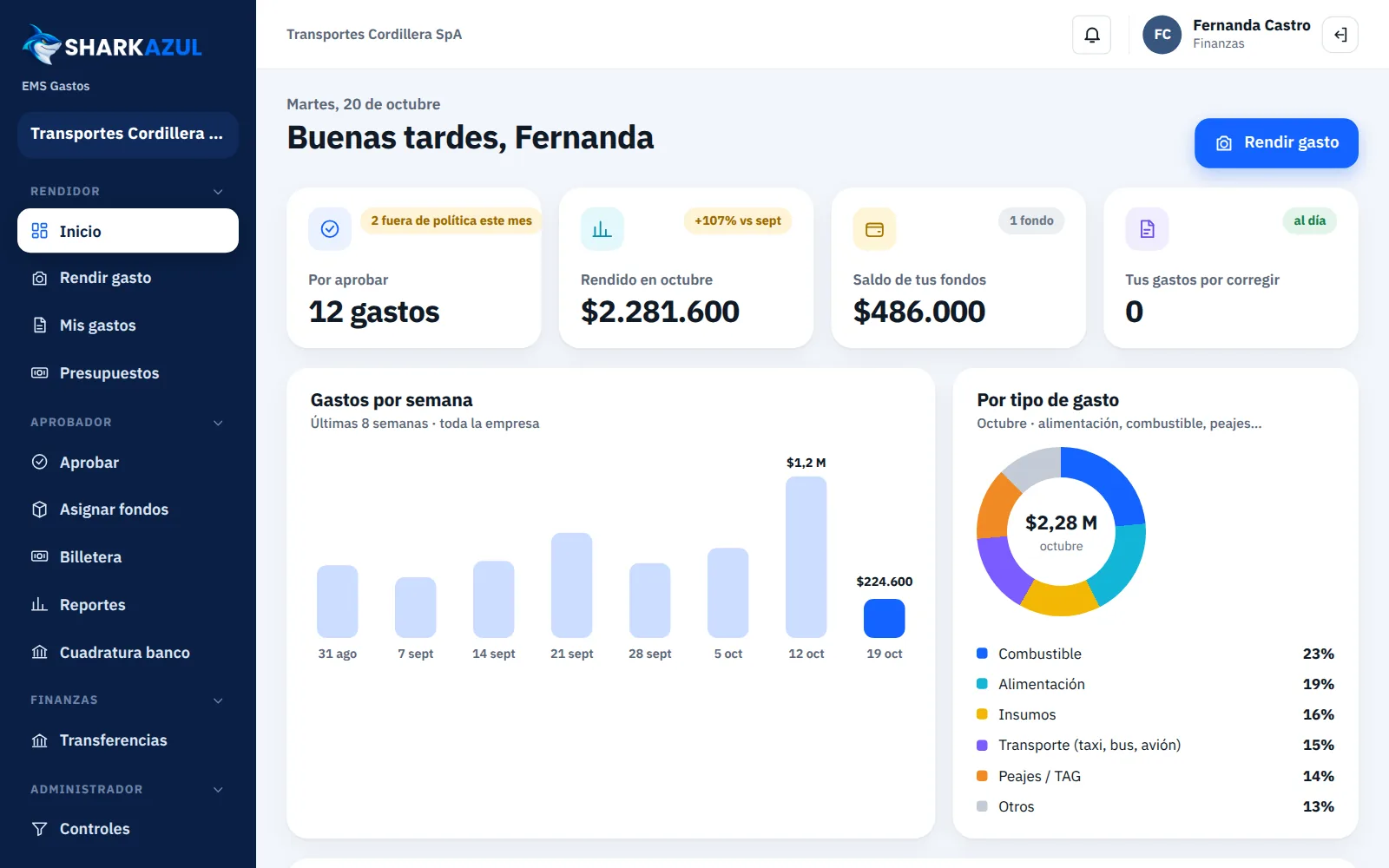 EMS Expenses
Expenses and reimbursements
Expense reports from a receipt photo, approvals, budgets by area, cash advances and bank reconciliation.
Log in to EMS →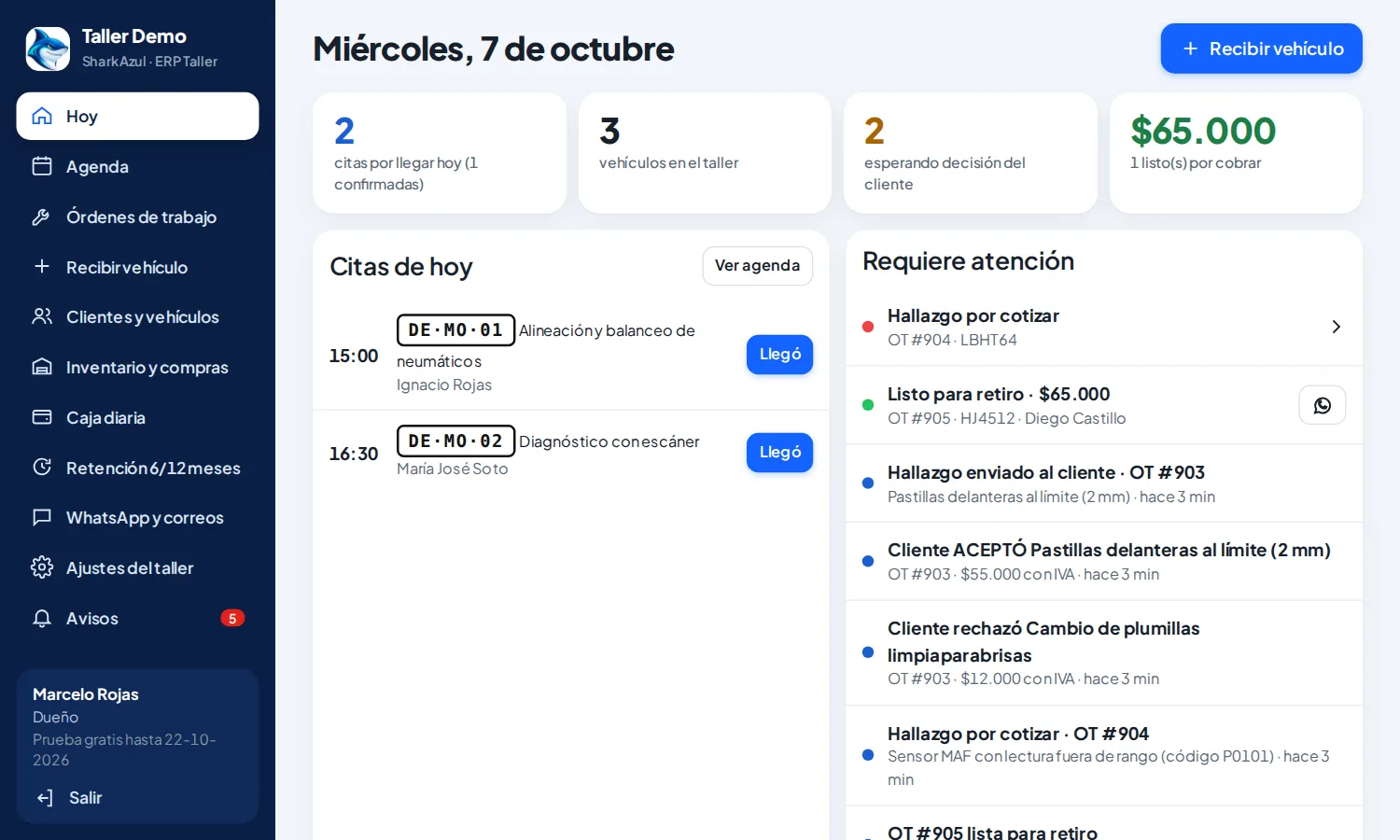 Shop ERP
Auto repair shops
Scheduling, vehicle check-in, DVI inspection, WhatsApp estimates, payments and signed delivery.
Log in to Shop ERP →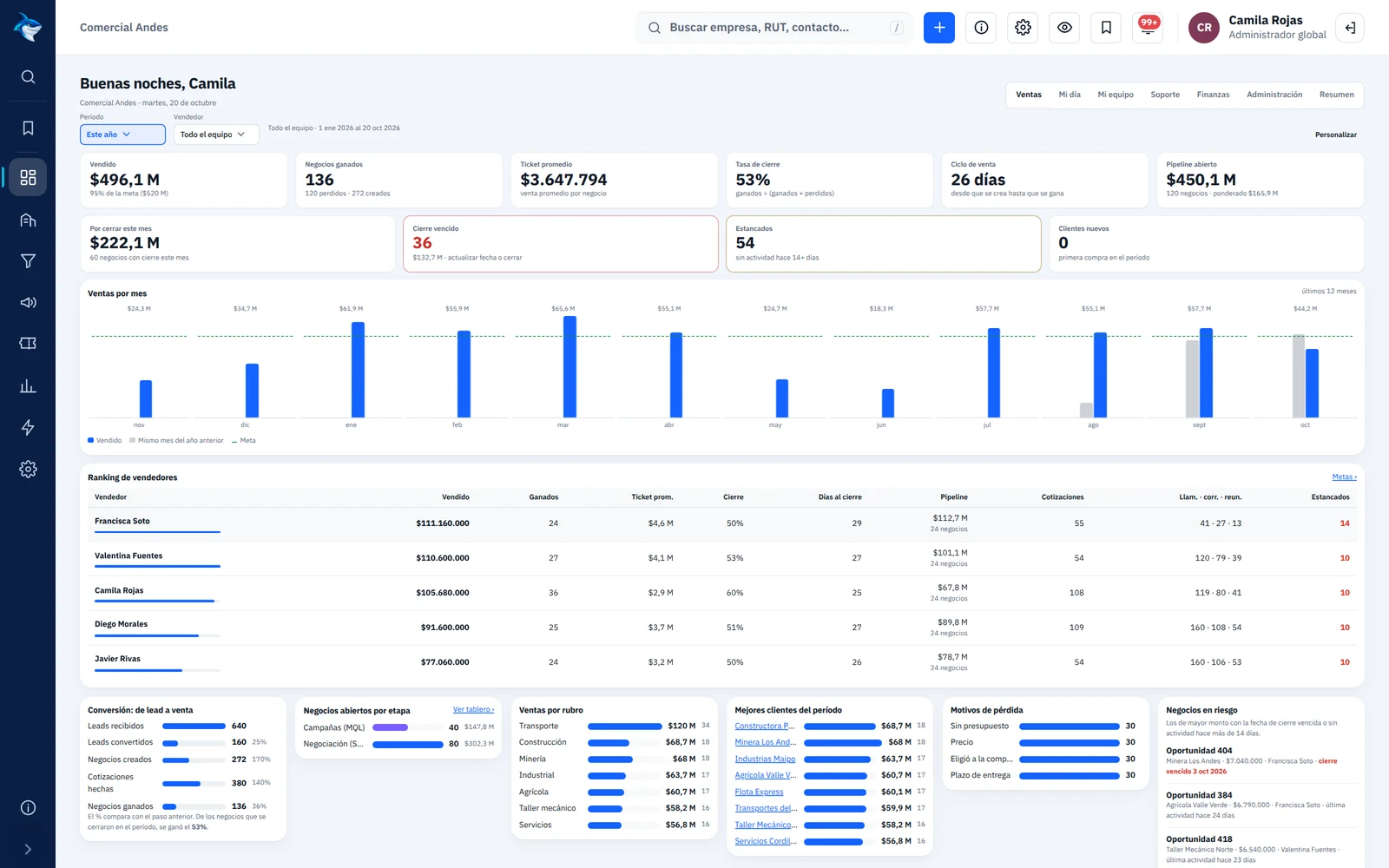 CRM Sales
Sales and accounts
Companies, contacts, sales pipelines, quotes, tickets, WhatsApp, reports and email marketing.
Sign in to the CRM →Not sure which one? If your company sent you an invitation, use the link in that email: it takes you straight to the right application.
Nobody signs up on their own: your company administrator (or the shop owner) sends you an email invitation. Then follow these three steps — they work the same for the CMMS and the Shop ERP.
Your company sends you an email with the link to activate your account.
You set it; nobody else knows it.
Computer, tablet or phone, with the same user.
Check the article “Activate my account” or ask your administrator to resend your invitation. Help center →